
Network Setup & Support Services in Colorado Springs, CO
At Masters' Guild, we specialize in reliable network setup and support services for homes and businesses. From configuring router setups to optimizing home WiFi network setups, our IT professionals ensure your network is secure, efficient, and customized to your specific needs.
Network Setup and Support in Colorado Springs, CO: Router setup & Wi-Fi optimization typically runs $100–$250 USD in 2026; the other common jobs below range from $100 to $2,000, depending mostly on home size and layout. Post your job free on Masters' Guild to get offers from ID-verified local pros; payment is held until the work is done.
What network setup and support costs in Colorado Springs, CO (2026)
| Job | Typical range (USD) | Unit |
|---|---|---|
| Router setup & Wi-Fi optimization | $100–$250 | per job |
| Mesh Wi-Fi install, 2–3 nodes | $150–$350 | per job |
| Single Ethernet drop, retrofit | $100–$250 | per port |
| Whole-home wiring, 4–8 drops | $600–$2,000 | per job |
| Network rack, switch & patch panel setup | $200–$600 | per job |
Estimates: typical US ranges adjusted for Colorado Springs's regional price level (in line with the national average; BEA RPP 2024 all items, MSA). Get two or three quotes for your exact job.
Our Network Setup Expertise in Colorado Springs, CO
WiFi Setup for Home
Ensure seamless connectivity with our expert WiFi setup for home services. We handle everything from configuring routers to optimizing coverage, ensuring strong and stable connections throughout your space.
New Home WiFi Setup
Moving into a new home? Our new home WiFi setup ensures your network is ready to go from day one. Let us take care of installation and configuration so you can stay connected.
Router Setup and Configuration
Proper router setup is essential for a secure and efficient network. Our professionals ensure your router is configured correctly, protecting your data and optimizing performance.
Network Maintenance and Troubleshooting
Keep your network running smoothly with our ongoing maintenance and troubleshooting services. From diagnosing connectivity issues to enhancing performance, we’re here to help.
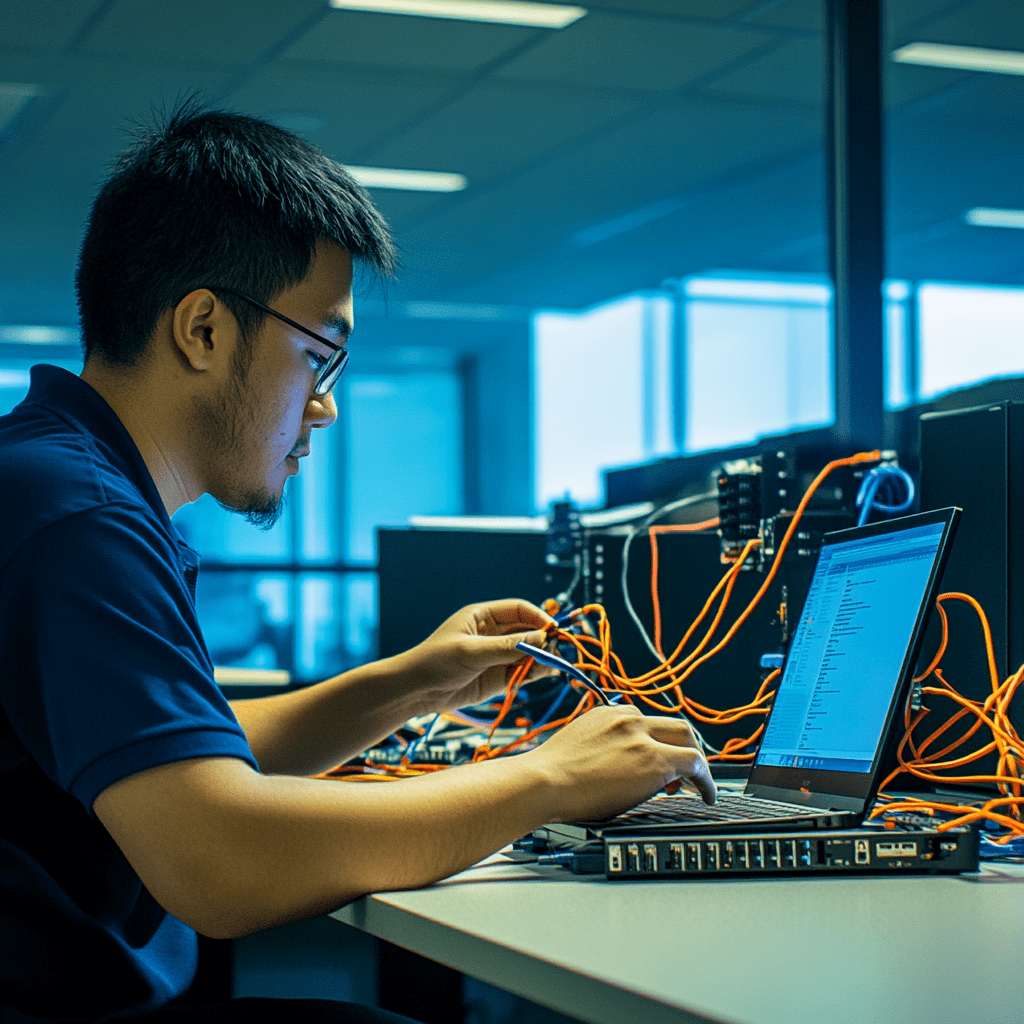
Why Choose Masters' Guild for Network Setup?
- Certified IT Professionals: Our vetted experts specialize in WiFi setup for home and advanced network solutions.
- Custom Network Solutions: Whether it’s a home WiFi network setup or a business network, we tailor our services to your needs.
- Transparent Pricing: Enjoy clear estimates with no hidden costs.
- Convenient Booking: Easily schedule and manage your network support services through our user-friendly app.
Get Started Today!
Post your Network Setup Quest through our app to connect with skilled IT professionals. Whether you need a new home WiFi setup or ongoing network support, Masters' Guild ensures a smooth and secure experience.

Network Setup Services We Offer
Masters' Guild provides comprehensive network solutions tailored to your needs:
- WiFi Setup for Home: Seamless connectivity for all your devices.
- Router Setup: Proper configuration for security and performance.
- New Home Network Setup: Ready-to-use networks for new residences.
- Network Troubleshooting: Quick fixes for connectivity issues.
- Mobile-Friendly Platform: Easily book, track, and manage your network projects through our app.
What's different about network setup and support in Colorado Springs
In Colorado Springs, CO, network setup often starts with the home’s size and layout, Wi-Fi hardware, and access through finished walls. The metro’s 2020–2024 ACS median structure-built year is 1986, so a walkthrough can distinguish straightforward router or mesh placement from work needing retrofit Ethernet runs. In Downtown Colorado Springs, Old Colorado City, and Briargate, scope node locations, drops, terminations, and testing around the home’s particular layout.
Colorado Springs’ normal January high/low is 45.0/18.5°F, with average annual snowfall of 32.5 inches, conditions supporting seasonal freeze protection and roof/gutter snow maintenance. Router and Wi-Fi support is generally unlicensed, while structured low-voltage cabling may require a locally qualified or licensed contractor and liability insurance. Confirm project scope with the Pikes Peak Regional Building Department; demand stays high through September, with peak months in August and September.
What moves the price in Colorado Springs
- Finished-wall access can complicate retrofit Ethernet drops in homes with older construction.
- August and September demand can limit scheduling availability for mesh or wiring work.
- Structured low-voltage cabling may require qualified or licensed contractors and liability insurance.
- Node placement depends on home size, layout, Wi-Fi hardware, and desired coverage.
Licensing and permits in Colorado
Router and Wi-Fi support is generally unlicensed, but structured low-voltage cabling may require a locally qualified or licensed contractor and liability insurance in either country.
Residential construction permits are generally issued by the city or county building department; plumbing and electrical permits may be issued by the State of Colorado where the locality is not a state-exempt inspection jurisdiction. Requirements vary locally, so confirm the project scope with the authority having jurisdiction. In Colorado Springs, permits come from the Pikes Peak Regional Building Department.
Tax: Labor separately stated for real-property home construction, repair, or improvement is generally not taxable; materials may be taxable depending on the contract.
Best time to book in Colorado Springs
Book before late August for better availability; demand stays high through September. Peak demand: August and September. Typical job length: 1–4 hours for Wi-Fi; 1–2 days for whole-home wiring.
DIY or pro? Basic router placement is reasonable DIY; hire a pro for in-wall cabling, terminations, testing, and code-sensitive work.
Areas we cover in Colorado Springs
Pros on Masters' Guild take network setup and support jobs across Colorado Springs neighborhoods including Downtown Colorado Springs, Old Colorado City, Briargate, Broadmoor, Rockrimmon, Patty Jewett, Ivywild and Knob Hill.
Frequently Asked Questions
How much does router setup and Wi-Fi optimization cost in Colorado Springs, CO?
Provided U.S. ranges list router setup and Wi-Fi optimization at $100–$250 per job. Home size and layout, Wi-Fi hardware, and the number of nodes can affect the scoped work.
Do I need a permit for Ethernet cabling in Colorado Springs, CO?
Basic router and Wi-Fi support is generally unlicensed. Structured low-voltage cabling may require a locally qualified or licensed contractor and liability insurance, so confirm the scope with the Pikes Peak Regional Building Department.
How long does whole-home network wiring take?
Typical duration is 1–2 days for whole-home wiring, compared with 1–4 hours for Wi-Fi. For late-summer scheduling, book before late August because demand stays high through September.
Sources: Our Network Setup and Support cost guide · www.angi.com · homeguide.com. Updated 2026-09-16.
We Also Serve These Nearby Satellite Cities
In addition to Colorado Springs, CO, we also offer Network Setup and Support in nearby areas, including the following satellite cities:
-
Fountain, CO
-
Monument, CO
-
Woodland Park, CO
-
Security-Widefield, CO
-
Manitou Springs, CO