
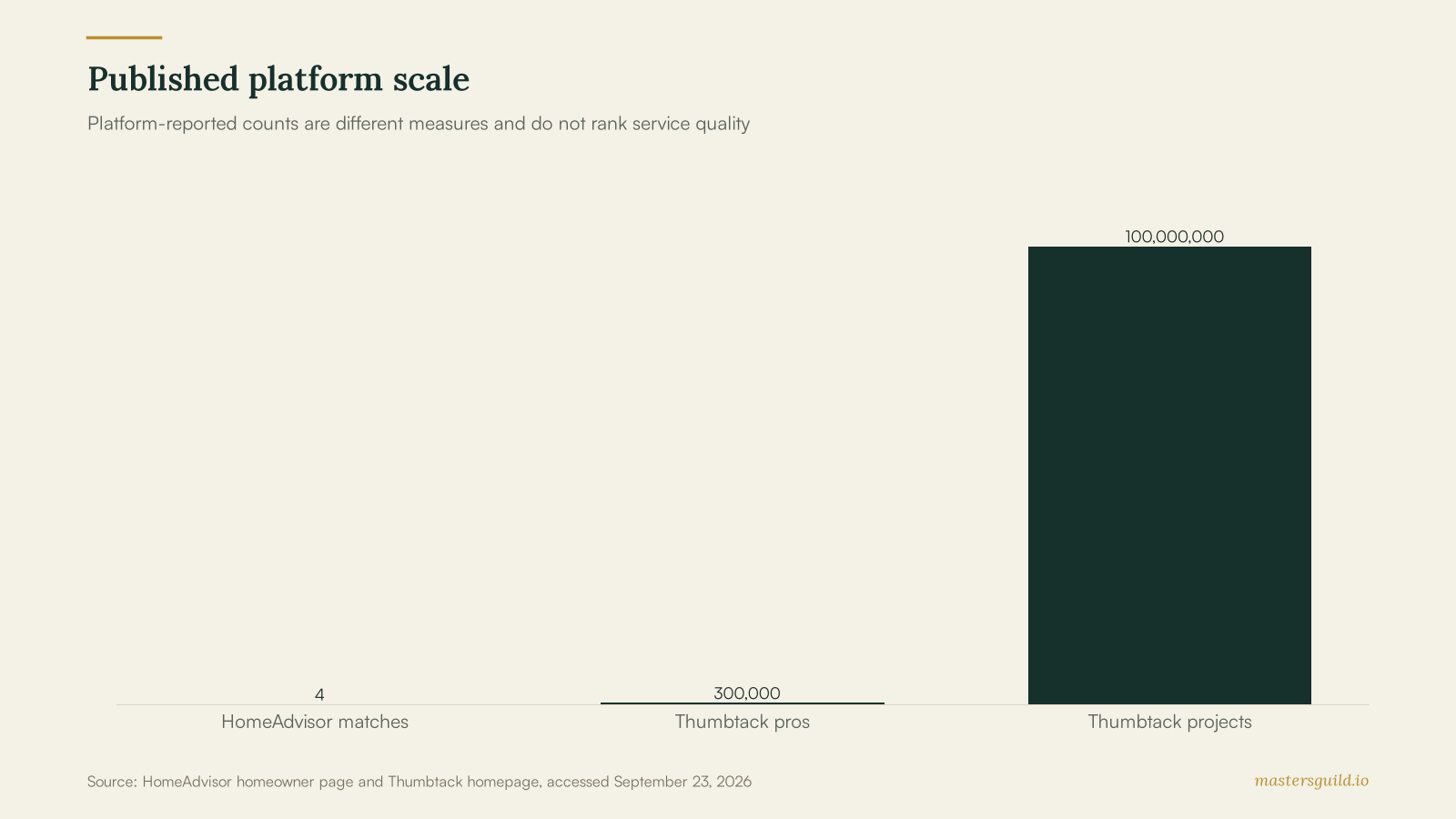
HomeAdvisor can match a request with up to four prescreened pros, while Thumbtack reports more than 300,000 local pros for profile-led hiring. Choose HomeAdvisor when you want providers to respond to a defined project. Choose Thumbtack when you want to browse profiles, prices and reviews before you message. Disclosure: Masters’ Guild operates this publication and competes in home services; this comparison covers competitors’ published terms.
Key takeaways
- HomeAdvisor says it can return quotes from up to four prescreened pros after a homeowner submits a request.
- Thumbtack lets homeowners browse profiles, prices and reviews, then chat with a chosen pro.
- HomeAdvisor says pros pay for each lead they receive, even if they do not win the job.
- Thumbtack says pro lead costs vary by job size and location, and pros pay when an interested customer contacts or hires them.
- A written scope, licence check and insurance confirmation matter more than an app badge.
The platforms begin with different hiring choices
HomeAdvisor’s homeowner page asks for a project description and says it can provide quotes from up to four prescreened pros. That route suits a defined repair, replacement or renovation where you want contractors to contact you.
Thumbtack lets a homeowner describe a project, browse local profiles and chat with a pro. Its site lists more than 300,000 local pros and more than 100 million home projects. Thumbtack is a useful starting point when you want to compare profile details before making contact.
HomeAdvisor favors a submitted request and competing replies
HomeAdvisor works well when you can describe the work with photos, dimensions and a target start date. A detailed request gives contractors a useful basis for a response and gives you a cleaner set of comparisons.
HomeAdvisor’s pro information says contractors choose their service types and ZIP Code preferences. It also says pros pay for each lead they receive, whether they win the job or not. That fee model gives homeowners a reason to write a complete request and gives pros a reason to confirm scope before they price the job. Review each contractor’s licence, insurance and references before you choose.
For a plumbing repair, include the fixture, symptoms, access limits and whether water is shut off. Our plumber cost guide can help you frame the work before you request quotes.
Thumbtack favors profile research before contact
Thumbtack says homeowners can inspect a pro’s price, past work, reviews, background-check status and licence information where displayed. That profile-led flow helps when you already know the service you need and want to choose whom to contact.
Thumbtack’s pro page says lead cost depends on job size and location and says a pro pays when an interested customer contacts or hires them. A homeowner can make that contact more productive by listing the job location, photos, timing and the outcome they need.
Use the same vetting steps in our contractor app guide: compare written scopes, material allowances, payment milestones and permit responsibility. A profile, rating or app listing does not replace the credential check for regulated work.
The published protections have limits
Thumbtack says its Guarantee may provide up to $2,500 if a job is not completed as agreed, subject to its terms. That language is useful after a documented problem, but it does not turn a vague verbal agreement into a clear scope. Read the current terms before booking.
HomeAdvisor’s ratings page says a dedicated team follows up on reviews to assess authenticity and posts honest feedback. Treat reviews as one hiring input. Ask for proof of insurance, the licence number required for your trade and a written change-order process.
You can also seek offers through Masters’ Guild plumbing services and compare each written scope on the same checklist.
HomeAdvisor vs Thumbtack comparison table
| Check | HomeAdvisor | Thumbtack |
|---|---|---|
| Homeowner starting point | Submit a project request | Describe a project and browse profiles |
| Published matching model | Quotes from up to four prescreened pros | Local profiles, prices, reviews and chat |
| Published scale | More than 25 million homeowners have used the service | 300,000+ local pros and 100M+ home projects |
| Pro charge statement | Charged for each lead received, whether or not the job is won | Lead cost varies by job and location; pay when an interested customer contacts or hires |
| Review statement | Team follows up to assess review authenticity | Homeowners can view reviews, past work and displayed credentials |
| Published protection | Review current terms before booking | Guarantee may provide up to $2,500, subject to terms |
The better choice depends on your job details
Choose HomeAdvisor when you have a defined project and want a group of matching contractors to reply. Give each contractor the same written scope so you can compare labour, materials, schedule and warranty.
Choose Thumbtack when you want to research profiles before contact or when you want to handle a contained project through an app. Verify any displayed licence against the relevant state or provincial registry before work begins.
Both paths require the same final check: define the work, confirm credentials, document the price and record changes in writing. When you want offers from identity-verified pros, post your job on Masters’ Guild.
Frequently Asked Questions
Is HomeAdvisor free for homeowners?
HomeAdvisor presents its homeowner request flow as free. Its page says homeowners can seek quotes from up to four prescreened pros. Confirm any project-specific charges with the contractor before work starts.
Does Thumbtack show licences and background checks?
Thumbtack says homeowners can see a pro’s background-check status or valid licence where shown. Verify the licence with the regulator that oversees the trade and location before hiring.
Do contractors pay for leads on these apps?
HomeAdvisor says it charges pros for each lead received, whether or not they win the job. Thumbtack says lead cost varies by job and location, and its pro page says a pro pays when an interested customer contacts or hires them.
Which app is better for a large renovation?
Use a platform that helps you gather several detailed written scopes. Compare materials, permit responsibility, schedule, payment milestones and warranty terms before you sign a contract.