
Local service guide
Technical Skills Training in Winnipeg: Choose a Course
Arrange Technical Skills Training in Winnipeg by naming the work your staff need to complete, checking their starting skills, and choosing instruction around those tasks. Consider Winnipeg Public Library’s free workshops for computer basics or RRC Polytech’s courses for structured Excel instruction. For your business workflow, request a tailored teaching proposal. Check Manitoba funding eligibility before counting reimbursement in your budget. [1] [2] [3] [4]
Choose instruction around a business task
Write a training brief before asking for quotes. Describe the task, software version, learners’ starting knowledge and expected result. For example, ask for staff to enter inventory data, check totals and filter a worksheet without help. List equipment repairs, account setup and ongoing IT support as separate requests if you need them.
Ask each learner to attempt a sample task before selecting a course. Record where they need help: saving files, entering formulas or interpreting results. Give the instructor that information and ask how they would group learners with different starting skills. Use fictional customer and employee records in the sample.
Use the library for introductory skills
Winnipeg Public Library provides introductory, hands-on computer workshops lasting two hours. All workshops are free and require registration. Topics include computer use, Windows file management, email, Internet use, Google Drive, Word, Excel and PowerPoint. Compare the workshop descriptions with your staff’s needs before booking. [1]
The library’s Excel Level 1 covers spreadsheet basics, formatting and simple formulas. Level 2 covers common functions and charts; Level 3 covers IF statements, table formatting, sorting and filters. Later workshops require earlier levels or equivalent knowledge. Check each institution’s prerequisites when comparing library workshops with college courses. [1]
Check the program calendar for dates and locations before changing a work schedule. The workshop page carries a March 20, 2023 update date and directs readers to the calendar for further listings. The library limits space and cannot accommodate arrivals more than 15 minutes late. Its 45-minute eMedia appointments cover library digital resources and exclude general device training. [1]
Compare Excel content and published fees
RRC Polytech’s Microsoft Excel 365 Level 1, COMP-1277, covers worksheet data entry, basic arithmetic formulas, common functions, formatting and print options. The college recommends a good working knowledge of Windows and directs learners who need introductory computer skills to COMP-1081. Level 1 is a prerequisite for Level 2. [2]
RRC’s Level 2, COMP-1278, covers charts, work across worksheets and workbooks, named cells and ranges, and financial, logical and lookup functions. The catalogue lists COMP-1277 as its prerequisite. Ask the college about prerequisite requirements before registering an employee who learned Excel at work. [3]
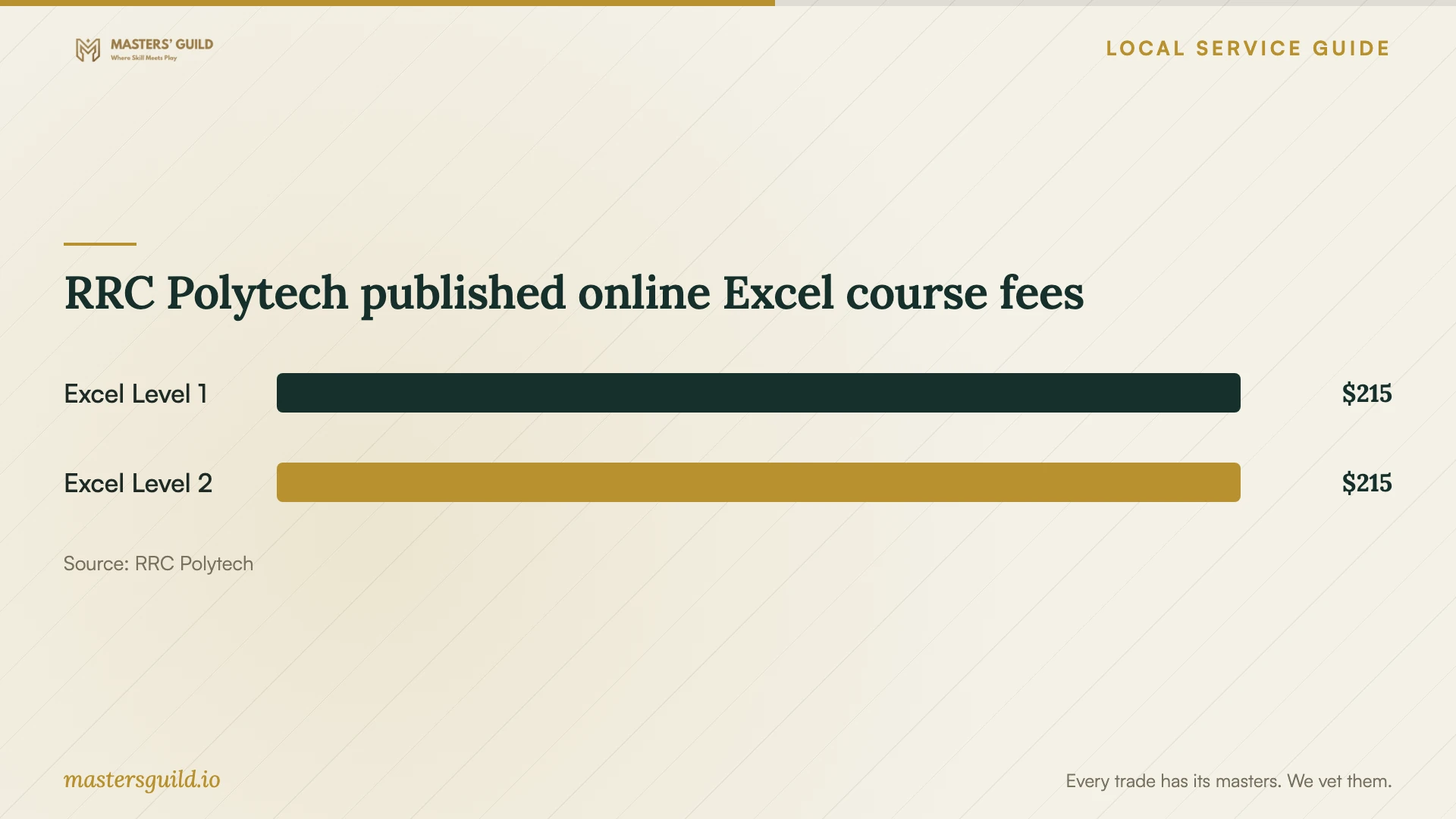
In the listings retrieved October 10, 2026, RRC charges $215 for each November 1 to December 31, 2026 online offering. The supplied listings show a dollar symbol without specifying the currency. Ask the college to confirm the currency, final fee, required materials, workload and registration arrangements. RRC notes that students may need textbooks or materials and that fees and courses can change. [2] [3]
Request a clear trainer proposal
For instruction around your business workflow, ask the trainer to explain how they would teach a representative task. Request relevant teaching experience, a lesson outline, practice exercises and a way to assess learning. Ask who will teach and whether that person has worked with your software version.
Compare proposals using the same scope. Request the total charge, preparation time, session length, learner capacity, travel charges, software costs, cancellation terms and follow-up support. Specify whether learners need their own computers and who will provide practice files. Ask for a separate price for any customization of your examples.
Agree on account access before instruction begins. Have staff sign in themselves, keep passwords private and use sample files without customer information. For remote instruction, discuss screen sharing and recording permissions. Ask the trainer to finish with a task each learner can complete without prompting.
Check Manitoba funding before committing
The provincial Building Up Manitoba Program, BUMP, can reimburse up to 50 per cent of eligible employee-training costs, up to $10,000 per eligible participant. Employer requirements include fewer than 500 full-time equivalent employees including affiliates, a permanent Manitoba establishment and at least one year of operation. Participant and training requirements also apply. [4]
BUMP requires external trainers to be independent of the employer, have relevant education or experience, and deliver training as their main business activity. Training must support employment, a better job or increased job security under the program’s definitions. The program lists coaching among exclusions. Ask a Workforce Development Consultant to assess your proposed instruction if the provider describes it as coaching. [4]
Start with the mandatory intake form. A consultant reviews eligibility and program alignment before qualifying applicants receive an invitation to apply. Training must occur within the current fiscal year, April 1 to March 31, and funding agreements cannot extend beyond that year. For reimbursement, employers must submit invoices, matching proof of payment and a final report on completed activities and outcomes. [4]
RRC Polytech published online Excel course fees
Local details that affect your job
Library registration affects staff scheduling
The municipal workshops require registration, have limited space and apply a 15-minute late-arrival cutoff. Confirm the workshop location and allow staff time to arrive before it starts. Choose an eMedia appointment only for library digital-resource help; library staff exclude general device training from those appointments. [1]
Check equipment before choosing RRC online Excel
RRC Polytech requires access to a Windows-based computer for these online Excel courses and specifies the Microsoft 365 subscription available to students. If your office uses Macs or browser-only spreadsheets, discuss equipment with the college before enrolling staff. [2] [3]
Provincial funding affects trainer selection
A Winnipeg employer considering BUMP should check the external trainer’s independence, relevant qualifications and main business activity. Confirm that the proposed training meets a program employment outcome and the fiscal-year delivery requirement. Submit the intake form before assuming that the province will reimburse part of a quote. [4]
Choose a training route
| Your need | Route to consider | Check before booking |
|---|---|---|
| Computer or file-management basics | Winnipeg Public Library workshop | Registration, calendar listing and starting-skill requirements |
| Excel data entry and basic formulas | RRC Polytech Excel 365 Level 1 | Working Windows knowledge, Windows computer and final course costs |
| Excel charts and lookup functions | RRC Polytech Excel 365 Level 2 | COMP-1277 prerequisite and equipment requirements |
| Practice on your business workflow | Request a tailored trainer proposal | Ask for a teaching plan, sample files, total price and assessment |
| Employee training with funding support | BUMP eligibility consultation | Employer, participant, trainer, outcome and fiscal-year requirements |
Your hiring checklist
- Name the work task staff should complete after training.
- Check each learner’s starting skills with a sample task.
- Record software versions, computer types and accessibility needs.
- Compare course prerequisites with each learner’s knowledge.
- Request a written teaching scope and itemized total price.
- Agree on sample data, account access and recording permissions.
- If seeking funding, discuss eligibility through the program intake process.
- Schedule practice and assess the agreed task after instruction.
Frequently Asked Questions
Can staff learn basic computer skills for free?
Winnipeg Public Library offers free introductory computer workshops with registration. Choose a topic that matches the learner’s starting skills and check the calendar for availability. The workshops last two hours. [1]
How much do the listed Excel courses cost?
RRC Polytech lists Excel 365 Level 1 and Level 2 at $215 each for November 1 to December 31, 2026 online offerings. The supplied listings do not identify the currency. Confirm currency, current fees and required materials with the college before registration. [2] [3]
Can Manitoba funding cover an external trainer?
BUMP allows eligible external employee training subject to provider, participant and outcome requirements. The provider must be independent, have relevant education or experience, and deliver training as their main business activity. The province lists coaching among exclusions, so discuss the proposed activity through the intake process. [4]
How should I judge whether training worked?
Agree on a practical task before booking. After instruction, ask each learner to complete it using a fresh sample file and explain their choices. Request further practice on any step that still requires prompting.
Sources and scope
This guide combines the sources below with practical planning guidance. Figures apply to the stated geography and period; request a written quote for your property.