
Local service guide
Data recovery and backup in Toledo, OH
Data recovery and backup in Toledo should start with a device-specific assessment and written terms for the files you want recovered. Choose a provider who will explain where the work happens, what you owe if recovery fails, and how you will check the returned files. For backup installation, include a restore demonstration and instructions you can follow without the technician.
Describe the loss before authorizing work
Prepare a short account of the problem: device model, missing folders, last successful access, and anything you attempted after noticing the loss. Tell the technician whether you have another copy. Rank the files you need so the provider can discuss a limited recovery scope before you authorize broader work.
For an unresponsive or damaged device, seek an assessment before attempting repairs or further changes. Tell the provider that recovering your files takes priority over returning the computer to service. Request instructions for transporting the device and confirm whether the provider will handle it at its premises or send it elsewhere.
A ransom demand or unexpected file encryption calls for incident-response help. CISA’s organizational response checklist recommends disconnecting affected systems from the network and recovering on a clean network. Apply that guidance by disconnecting the affected computer from Ethernet and Wi-Fi before seeking help. CISA recommends shutdown only when network isolation is impossible because powering down loses potential evidence in memory. [3]
Compare written quotes and privacy terms
Get a written quote for your device and symptoms. Separate assessment, recovery, shipping, return storage, and backup setup charges. Request the amount due if you decline further work or the provider cannot retrieve your priority files. Give each candidate the same file list and require your approval before anyone exceeds your spending limit.
Agree on an acceptance test before handing over the device. Request a recovered-file list and permission to open representative photos, documents, or other priority files before accepting the result. Specify how the provider will deliver the files and return the original hardware.
Put data handling in writing. Identify who may view your files, any subcontractor involved, the retention deadline, and how the provider will delete its copies. For ongoing support, CISA recommends formalizing security requirements in contracts and limiting third-party access to the provider’s responsibilities. Use those organizational recommendations when defining a household technician’s access. [3]
Specify a backup you can restore yourself
Include a hands-on restore demonstration in the job. Have the technician restore selected files to a separate location, then open them yourself. Keep written instructions covering the folders included, schedule, retained versions, account ownership, and steps for retrieving a file.
CISA’s September 2023 guide addresses organizations preparing for ransomware. It recommends offline, encrypted backups of critical data and regular tests of backup availability and integrity. Adapt those principles to the household files you cannot replace. Request an explanation of how you will unlock the backup and access recovery information if the original computer is unavailable. [3]
For a cloud proposal, have the technician demonstrate the protections included in that particular service. CISA discusses deletion protection and version control as cloud safeguards. Request a demonstration of recovering an earlier version and written instructions for checking backup failures. Keep control of your account and agree on how to revoke the technician’s access. [3]
Close the job before retiring the device
Check your priority files and complete the backup restore test before approving disposal of the original storage. Request documented data removal or storage destruction, with a clear description of what the provider did. Keep that record alongside the recovery invoice.
Treat electronics drop-off and data handling as separate steps in your plan. Confirm your chosen data-removal method with the technician before transporting the hardware. Use the resident recycling arrangements below to plan the trip after you accept the recovery work.
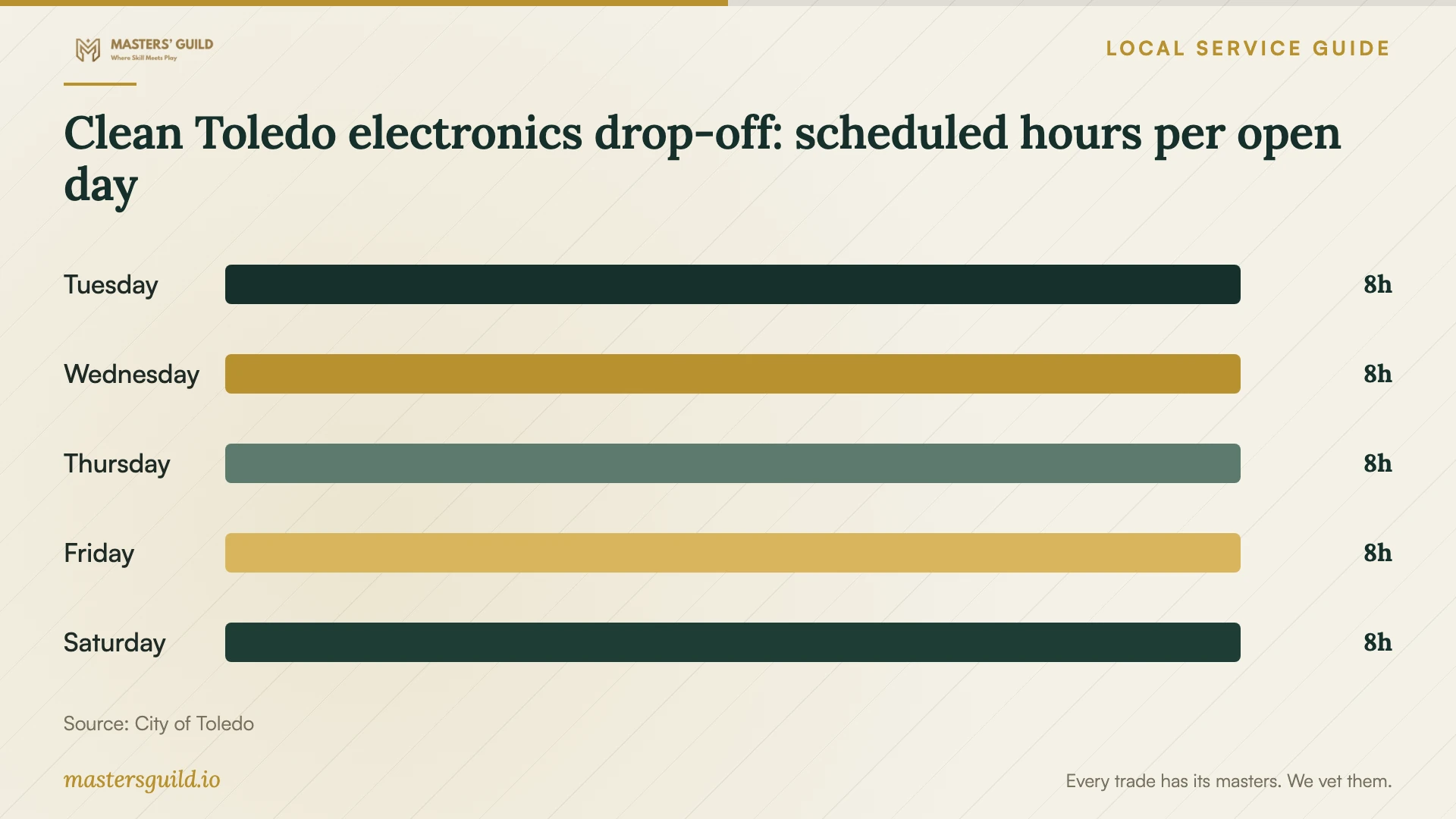
Clean Toledo electronics drop-off: scheduled hours per open day
Local details that affect your job
Plan household electronics drop-off on Creekside Avenue
The City of Toledo accepts electronics at the Clean Toledo Recycling Center, 3900 Creekside Avenue, and requires proof of Toledo residency. Its listed hours are Tuesday through Saturday, 8:30 a.m. to 4:30 p.m. Bring an accepted residency document, such as a state-issued ID or utility bill, and confirm the schedule before traveling. Arrange data removal before drop-off rather than assuming electronics acceptance includes it. [1]
Add a water-exposure discussion to the installation
Lucas County’s flood-preparedness guidance recommends waterproof containers for copies of important documents and keeping an emergency kit off the ground. Apply that regional guidance to your installation brief: discuss an above-floor location for the local backup and a separate offsite copy you can access if you cannot enter the home. These are household planning suggestions, not county technical requirements or a guarantee against water damage. [2]
Choose the scope to request
| Situation | Work to request | Before accepting |
|---|---|---|
| You have an accessible backup | Request a restore assessment | Open the priority files from the restored copy |
| Files are missing without a usable copy | Request device-specific recovery with a spending limit | Review the file list and test representative files |
| You see a ransom demand | Disconnect affected systems from the network and seek incident-response help | Have the specialist coordinate restoration on clean systems |
| You want future protection | Specify encrypted offline backups and a testing procedure | Perform a restore demonstration yourself |
Your hiring checklist
- Record the device model, symptoms, last successful access, and changes you attempted.
- List priority files and identify any existing copies.
- Obtain assessment charges, unsuccessful-recovery terms, and an approval limit.
- Confirm the work location, subcontractors, and written data-handling terms.
- Agree on a recovered-file acceptance test and delivery method.
- Complete a restore demonstration and retain account-recovery instructions.
- Approve data removal and disposal after checking your recovered files.
Frequently Asked Questions
How should I budget for recovery?
Request a device-specific written quote with separate assessment and recovery charges. Include shipping and return storage, and establish what you owe if you decline the work or recovery fails. Compare the same priority-file scope across providers before choosing.
Can I give the technician limited access?
Agree on the accounts, folders, and permissions needed for the job. Request an end date for access and instructions for removing it. CISA recommends limiting third-party access to the provider’s responsibilities; adapt that organizational principle to your household agreement. [3]
What should I receive when backup setup finishes?
Keep the configuration summary, restore instructions, account ownership details, and recovery information. Perform the agreed restore test before accepting the job. Choose a review schedule with the technician so you know when to check the setup after changing computers or adding important folders.
Sources and scope
This guide combines the sources below with practical planning guidance. Figures apply to the stated geography and period; request a written quote for your property.