
Local service guide
Computer Virus Removal in Irvine, CA
Arrange Computer Virus Removal in Irvine by getting a written estimate and agreeing on file preservation before authorizing cleanup or a system reset. California’s consumer repair guide covers personal and home-office computers and requires service dealers to provide a written total-price estimate before repairs. Ask the technician to distinguish diagnosis, cleanup, backup, and any proposed reinstall so you can approve a defined scope. [1]
Define the job before choosing a technician
Describe the symptoms without deciding their cause. Record unexpected messages, browser changes, trouble signing in, or files you cannot open. Include the computer model, operating system if known, and whether it starts. Ask the provider to assess those symptoms before proposing virus removal.
Request an explanation of the proposed work: diagnosis, cleanup, operating-system repair, backup, or a complete reinstall. Tell the technician to contact you before deleting files, wiping storage, purchasing software, or expanding the job. Agree on what you will owe if you decline the proposed repair after diagnosis.
Discuss remote support, drop-off, and a home visit in terms of access and file handling. For remote work, ask how you will supervise the session and end access. For drop-off, request a receipt identifying the device and accessories. For a home visit, agree on arrival arrangements and the quoted trip charge.
Compare estimates with the same inclusions
California’s Bureau of Household Goods and Services regulates repairs to electronic equipment used for personal or home-office purposes, including personal computers. Its consumer guide requires service dealers to give consumers a written estimate including the total price before repairs. Compare estimates for the same work and keep a copy of your authorization. [1]
The Bureau’s consumer repair guide does not list virus-removal prices. It says dealers must quote any trip charge before a service call and may charge a reasonable diagnostic fee. Ask each provider for the diagnostic amount, whether they credit it toward repairs, and whether their estimate includes backup, software, or reinstall work. [1]
The Bureau describes conditions for additional parts or labor, including telling you the total repair charge and obtaining your approval. Request a revised written total before agreeing to added work. Set a spending limit and a contact method so the technician can reach you at that approval point. [1]
Agree on file handling and check the handover
List the files you need back, such as family photographs, tax records, and schoolwork. Tell the technician where you believe they are stored and describe any separate backup. Ask for a preservation plan before approving work that could erase files, including a reset or reinstall.
Keep passwords out of the job description. Agree on how you will provide necessary access, which folders the technician may inspect, and whether they may copy files to another device. Ask who can access those copies and when the provider will delete them.
At handover, request a note describing the work performed, software installed, and remaining concerns. Open your priority files and check the applications you asked the technician to preserve. Discuss how the provider will handle a return of the original symptoms and whether follow-up work would require another estimate.
Separate replacement from recycling
If you are considering replacement, request separate scopes for repair, file transfer, and removal of sensitive information from the old computer. Choose a spending limit before approving either route. Check the transferred files before authorizing disposal, and ask how the technician will document their handling of the old storage.
OC Waste & Recycling accepts household computers through its free resident disposal program. The County says staff do not destroy computers or hard drives on the premises and instructs residents to remove sensitive information before dropping off electronics. Arrange data removal with your technician before taking the computer to a collection center. [2]
The County’s household centers exclude waste from businesses, churches, schools, nonprofit organizations, and government agencies. Confirm whether your device qualifies as household waste before choosing this route. For a business-owned computer, arrange disposal outside the household program and agree on storage handling with the provider. [2]
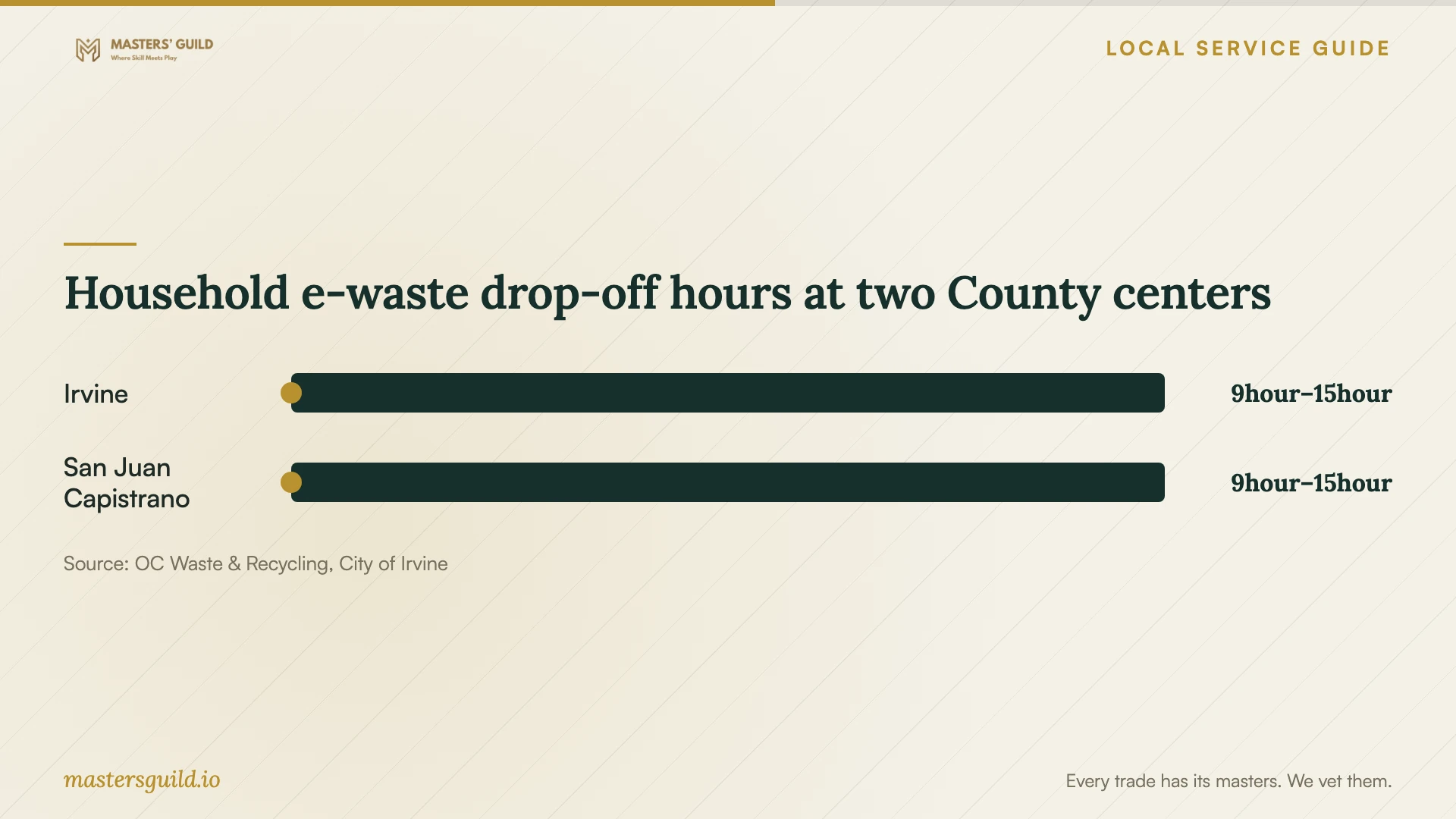
Household e-waste drop-off hours at two County centers
Local details that affect your job
Plan the Oak Canyon trip around access requirements
The City’s July 23, 2026 announcement extends the Irvine collection center lease through December 31, 2027 at 6411 Oak Canyon. The City lists Tuesday through Saturday hours of 9 a.m. to 3 p.m., closes the site on rainy days and holidays, and requires proof of Orange County residency. Bring that proof and check conditions before leaving. Schedule disposal after file recovery and sensitive-data removal. [3]
Arrange data removal before using the County program
Orange County’s resident program includes household computer disposal, but the County does not destroy computers or hard drives at its collection centers and directs residents to remove sensitive information first. Include that preparation in your technician’s scope. The centers cannot accept business waste, so confirm the device’s eligibility before planning a household drop-off. [2]
Choose the next step for your computer
| Your situation | Next step | Scope to agree |
|---|---|---|
| You know the symptoms but not the cause | Request diagnosis before authorizing cleanup | Diagnostic fee and approval point for repairs |
| You need files preserved | Discuss preservation before any reset | Priority files, backup destination, and permission before erasure |
| The technician proposes additional work | Request the revised total before approval | Added parts or labor and your authorization |
| You plan household computer recycling | Arrange sensitive-data removal before County drop-off | File recovery and data removal as separate tasks |
| The computer belongs to a business | Arrange disposal outside the County household centers | Disposal eligibility and storage handling |
Your hiring checklist
- Record the symptoms, device model, startup status, and work you want assessed.
- List priority files and describe any existing backup.
- Get a written total and clarify diagnostic, travel, backup, and reinstall charges.
- Set approval boundaries for erasure, purchases, and additional work.
- Agree on account access, file copying, and deletion of provider-held copies.
- Check priority files and requested applications at handover.
- For replacement, arrange sensitive-data removal before surrendering the old device.
Frequently Asked Questions
How much should I budget for virus removal?
Ask for a written estimate for your device and symptoms. The Bureau’s consumer repair guide does not list virus-removal prices. Compare quotes that identify diagnosis, cleanup, backup, reinstall work, and travel charges. Ask providers to explain any difference in inclusions before choosing. [1]
Can a technician charge for diagnosis if I decline repairs?
The California Bureau says service dealers may charge a reasonable diagnostic fee. Ask for the amount and payment conditions before booking, including whether the dealer credits that fee toward repairs or charges it when you decline further work. [1]
Will the Irvine recycling center erase my hard drive?
Arrange sensitive-data removal before drop-off. OC Waste & Recycling states that it does not destroy computers or hard drives on the premises and directs residents to remove sensitive information before bringing in electronics. Ask your technician to include that preparation in the agreed scope. [2]
What can I do if I am unhappy with the repair?
The Bureau of Household Goods and Services accepts complaints about covered personal and home-office electronics repairs. If another dealer examines the computer, the Bureau advises asking that dealer to describe problems with the first repair on the invoice. Keep your estimate, authorizations, and repair records. [1]
Sources and scope
This guide combines the sources below with practical planning guidance. Figures apply to the stated geography and period; request a written quote for your property.