
Local service guide
Software Installation in Indianapolis
Arrange Software Installation in Indianapolis by asking a technician to quote your programs, device setup, and completion checks. Agree on backup and account access before work starts. If you need help learning software, consider Indianapolis Public Library’s free technology classes before paying for an installation visit. [1]
Define the job before comparing quotes
Give each technician the same description: computer make and model, operating system, program names, and the result you want. Explain whether you need a new installation, help with an error, account activation, or migration from another computer. Include the exact error message when you have one, but remove personal information from screenshots.
Ask the technician to confirm compatibility and licensing before you buy anything. Request separate amounts for labor, software, subscriptions, backup, and file transfer. For hourly work, agree on a spending limit and require your approval before the technician exceeds it. For a fixed quote, ask which troubleshooting tasks fall outside the price.
Ask whether the technician proposes remote work, a home visit, or drop-off service. Explain whether you can start the computer, connect to the internet, and sign in. Request an explanation of what you must do during the appointment and how the technician will handle an interrupted session.
Prepare your files and control account access
Before the appointment, back up the files you want to keep and open several files from that backup to check them. Tell the technician which folders matter, including photos, documents, and email stored on the computer. Require your approval before anyone erases a drive, resets the computer, removes an account, or deletes files.
Keep your recovery information available and enter passwords yourself when you can. Ask the technician to use accounts you control for purchases and activation. Agree on temporary access, then review it at handoff. Ask the technician to remove remote-access software unless you have chosen an ongoing support arrangement.
Indiana’s Department of Homeland Security advises residents to verify identities, avoid software downloads from unknown sources, and use strong, unique passwords with multi-factor authentication when available. Its guidance flags pressure to pay with gift cards, wire transfers, or cryptocurrency. Choose your technician through a contact route you have checked before granting access. [3]
Decide whether you need installation or instruction
Ask a paid technician to include a demonstration of your main task in the quote. Describe that task in concrete terms, such as opening a household budget, editing a photograph, or sending an attachment. Agree on whether you want a brief handoff demonstration or a separate lesson.
For broader instruction, Indianapolis Public Library offers free technology classes and assessments that lead to personalized learning plans. Its listed learning subjects include computer basics, email, Word, Excel, and Google Docs. Review those options before purchasing lessons as part of an installation appointment. [1]
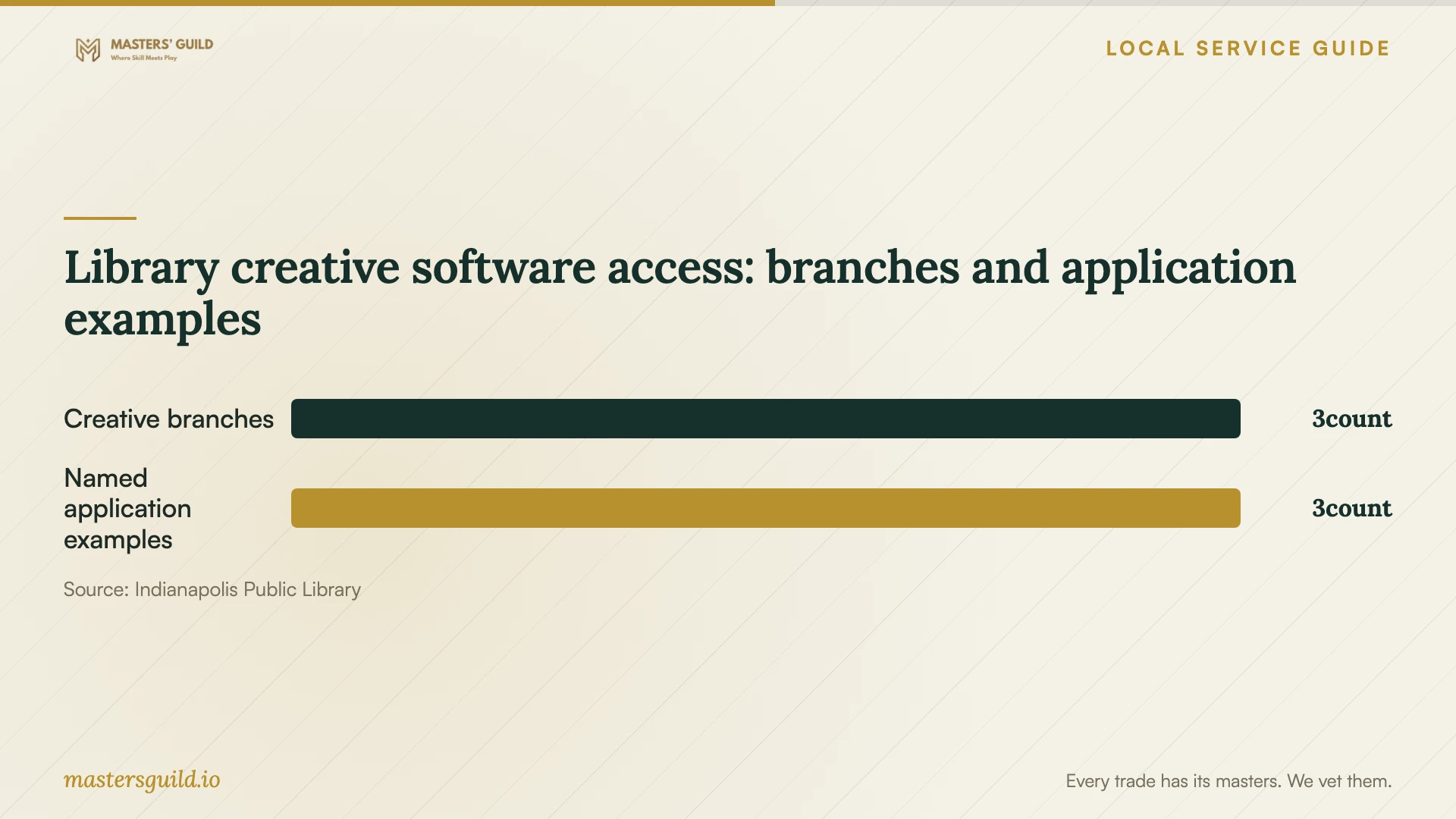
For an occasional multimedia project, consider a library workstation before buying software for home. The library lists Digital Creativity Workstations at Eagle, East 38th Street, and Fort Ben, with applications including Adobe Photoshop, Adobe Illustrator, and Vegas Pro Video Editor. The library requires a reservation. Ask staff to confirm the application and file arrangements you need before scheduling your project. [2]
Agree on completion and replacement plans
Define completion through tasks you can watch: open the program, sign in, open an existing file, save a new file, and test any printer connection included in the job. Ask for a restart and another launch before handoff. Review recurring charges, account ownership, and remaining errors together.
Request a receipt listing the work, installed software, unresolved issues, and follow-up terms. Ask how the technician handles an installation failure after the appointment and whether another visit carries a charge. Keep license and recovery information somewhere you control.
If you replace the computer, agree on file transfer and data removal before arranging disposal. Indiana’s Department of Environmental Management states that households cannot put many types of unwanted or broken electronics in the trash. Ask your chosen recycler which devices it accepts and how to arrange handoff. [4]
Library creative software access: branches and application examples
Local details that affect your job
Review local learning support before booking lessons
Indianapolis Public Library offers free technology classes and personalized learning plans through its Tech Learning Team. If your program opens but you struggle with email, documents, or computer basics, review that support before purchasing a technician’s lesson. Ask about the current schedule and assessment registration. [1]
Reserve creative software at specific branches
Eagle, East 38th Street, and Fort Ben have Digital Creativity Workstations with specialized multimedia software. The library requires reservations. For an occasional photo, graphic, or video project, confirm application availability and reserve access before committing to a home software purchase and installation. [2]
Include electronics recycling in a replacement plan
Indiana’s electronics disposal restriction applies to households and covers many unwanted or broken electronic devices. If an installation appointment leads to replacement, include recycling arrangements in your plan and ask a recycler whether it accepts your device. [4]
Choose help that matches your task
| Your situation | Suggested next step | Confirm before proceeding |
|---|---|---|
| You want a program installed on your computer | Request a defined installation quote | Compatibility, license ownership, backup, and completion tests |
| You need practice with email or office software | Consider the library’s free technology learning support | Current classes, assessment options, and registration |
| You need creative software for an occasional project | Consider a library Digital Creativity Workstation | Application availability and a reservation at Eagle, East 38th Street, or Fort Ben |
| A pop-up or caller demands access to fix a virus | Pause and verify the claimed support provider | Identity through a contact route you have checked |
| You plan to discard the old computer | Arrange data removal and electronics recycling | Recycler acceptance and handoff arrangements |
Your hiring checklist
- List your device, operating system, programs, and desired results.
- Ask the technician to check compatibility and license requirements.
- Separate labor, subscriptions, backup, and transfer charges in the quote.
- Check your backup and identify files the technician must preserve.
- Agree on account access and approval before deletion or reset.
- Test the agreed tasks and review recurring charges at handoff.
- Record follow-up terms and remove temporary remote access.
Frequently Asked Questions
How much should I budget for installation?
Request an itemized quote for your device and programs. Specify whether it includes backup, account setup, file transfer, and troubleshooting. Ask for separate software and subscription charges, plus an approval limit for extra work. The sources here do not establish local technician prices.
Can the library install software on my home computer?
The cited library pages describe classes, learning plans, device-related guidance, and library workstations. They do not establish a home-computer installation service. Ask library staff whether their support fits your task before treating it as an alternative to paid installation. [1] [2]
Should I grant access to someone who calls about a virus?
Pause and verify their identity before granting access or paying. Indiana’s scam guidance identifies calls and pop-ups claiming a virus and requesting remote access or payment as tech-support scam tactics. [3]
What should I check before accepting the finished job?
Open the software, sign in with your account, and perform the task you hired the technician to enable. Check saved files and any agreed printer connection. Review subscriptions, unresolved errors, temporary access, and follow-up terms before closing the appointment.
Sources and scope
This guide combines the sources below with practical planning guidance. Figures apply to the stated geography and period; request a written quote for your property.