
Local service guide
Cloud Service Setup in Huntsville, AL
Arrange Cloud Service Setup in Huntsville by asking for a written scope covering your devices, files, account access, backup goals, and a restore demonstration. Before booking a large transfer, confirm that your internet provider has activated service at your address. Ask the technician to separate setup labor, subscriptions, transfer monitoring, and follow-up support in the quote.
Choose the work you want completed
Write a short inventory before requesting a quote. Include each computer and phone, the accounts you want to use, the folders you want copied, and the people who need access. Mark any files you want to keep outside the project. Ask the technician to review this inventory before recommending a subscription.
For shared storage, request a demonstration of who can view, edit, and delete a sample file. For backup work, ask the technician to restore a sample into a separate folder and show you the steps. For migration, agree on how you will compare the source files with the destination before you approve removal of the originals.
Check your connection before scheduling transfers
Use the FCC’s National Broadband Map to review your exact address. The FCC explains that its fixed broadband view includes provider-reported service technologies and maximum advertised download and upload speeds. Treat those figures as a starting point for questions to your provider, then ask the technician to check your working connection before committing to a completion date. [3]
Ask the technician to distinguish the time spent configuring your accounts from the time spent waiting for uploads. Agree on who will check progress, how you will handle an interrupted transfer, and whether monitoring after the appointment costs extra. Schedule the final review after the technician confirms that the agreed files have reached their destination.
If you expect to use a phone connection as a fallback, read mobile coverage information with care. The FCC says its mobile map describes outdoor or in-vehicle coverage and does not show indoor coverage. Test the connection where you intend to use it before planning a transfer around it. [3]
Compare quotes by scope and responsibility
Give each technician the same inventory and requested outcome. Ask for separate amounts for labor, any in-home visit, subscriptions, and follow-up work. Request the proposed storage allowance and billing schedule in writing. Set a spending limit for additional work and require your approval before the technician changes the scope.
Choose remote or in-home help according to what you need the technician to inspect. Ask whether the quote includes checking each device, explaining permissions to household members, and completing the restore demonstration. For remote work, agree on the access method, the appointment window, and how you will end access afterward.
Keep account control through the handover
Create the account under an email address you control and enter your own password during setup. Ask the technician to walk you through the available sign-in and recovery settings. Keep recovery information somewhere you can access without the device you are backing up. Avoid including passwords or recovery codes in the job description.
Before accepting the work, open selected files on the intended devices and review the sharing settings together. Complete the agreed restore demonstration. Request a short handover note naming the account owner, selected folders, billing responsibility, and steps for checking future backups. Keep your original copy until you have reviewed the transfer and agreed on what to retain.
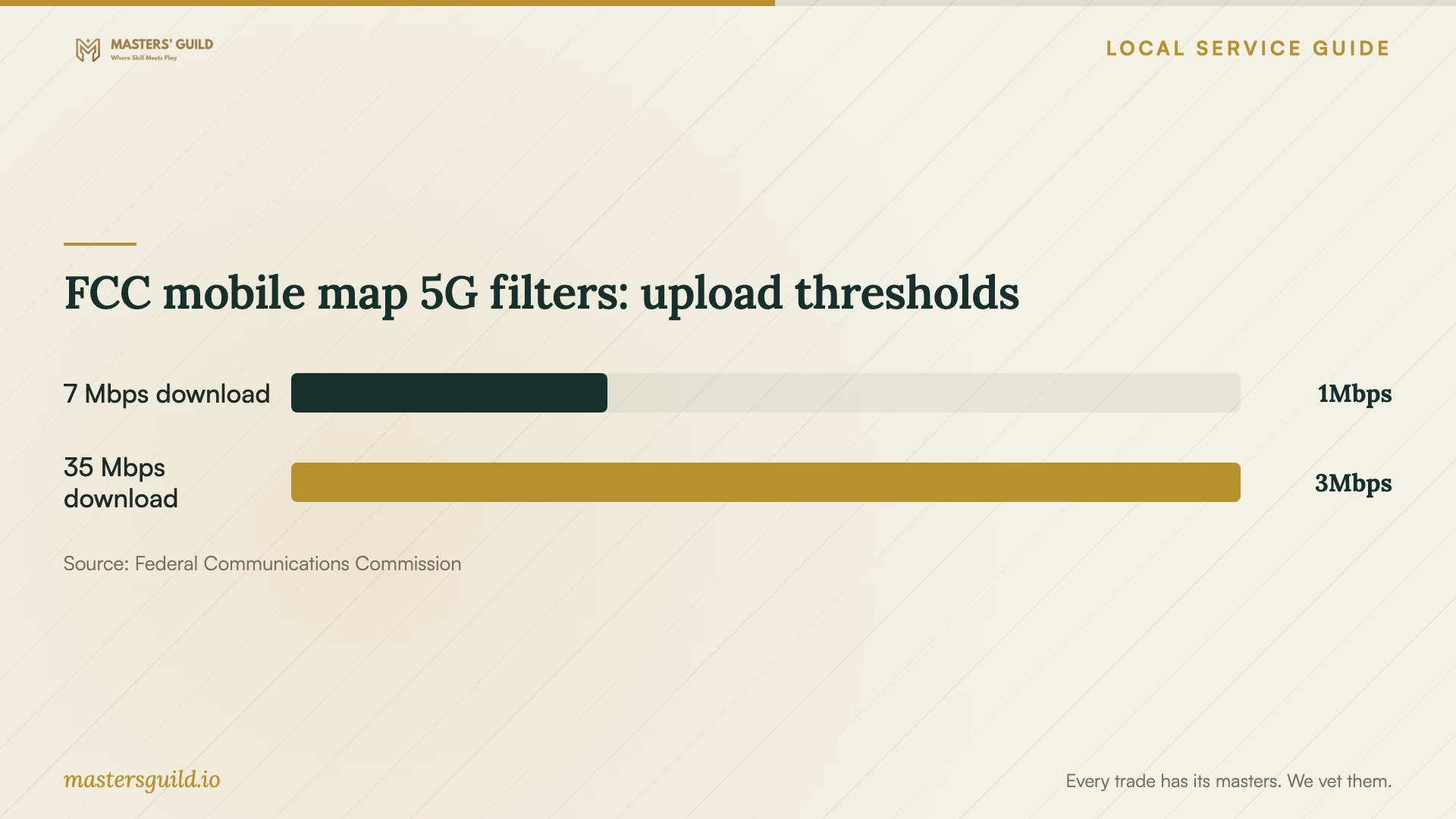
FCC mobile map 5G filters: upload thresholds
Local details that affect your job
Confirm retail internet activation before booking
In its April 2, 2018 update, the City of Huntsville explained that Huntsville Utilities’ fiber construction schedule and Google Fiber’s service availability schedule differed. This historical notice does not establish current coverage at your home. If you are arranging a new connection, confirm activation with the retail provider before booking a technician for a large cloud transfer. [1]
Use local classes to narrow paid help
Huntsville-Madison County Public Library offers free computer classes and public computers at its branches. The library requires students to take series classes in sequence and to have completed applicable prerequisites within the preceding 18 months. Ask about current course subjects and eligibility if your main need is instruction; reserve private setup work for the device and account tasks you want someone to complete with you. [2]
Match the appointment to your goal
| Your goal | Request in the scope | Acceptance check |
|---|---|---|
| Access selected files across devices | Account setup, folder selection, and device sign-in | Open an agreed sample on each intended device |
| Recover files after a loss | Backup configuration and recovery instruction | Restore an agreed sample into a separate folder |
| Move an existing collection | Source inventory, transfer, and destination review | Compare selected files before approving source cleanup |
| Share household documents | Named users and permission review | Demonstrate the agreed viewing and editing access |
Your hiring checklist
- List devices, accounts, selected folders, and intended users.
- Confirm internet activation and ask for an upload check at the home.
- Keep a separate copy of files before approving migration work.
- Request separate labor, subscription, monitoring, and follow-up charges.
- Enter your own credentials and review recovery settings.
- Agree on sample files for transfer and restore checks.
- Review sharing permissions and remove technician access at handover.
Frequently Asked Questions
How much should I budget?
Request an itemized quote based on your devices, selected files, and acceptance checks. Ask the technician to distinguish the appointment charge from subscriptions and later support. Use the same scope when comparing offers.
Can I arrange setup before a new internet connection starts?
Ask whether the technician can complete preparation first and schedule transfer work after activation. Huntsville’s historical fiber update distinguished utility construction from retail service availability, so confirm the provider’s activation date before committing to the transfer appointment. [1]
Can the library help me learn the basics?
HMCPL offers free computer classes. Check current course descriptions and prerequisites before choosing a class. Ask a private technician for a separate teaching allowance if you also want instruction using your own devices and accounts. [2]
What should I ask to see before the technician leaves?
Ask to open selected files, review household access, and complete the agreed restore demonstration. Confirm who owns the account and pays the subscription. Request instructions for checking progress and ending any temporary technician access.
Sources and scope
This guide combines the sources below with practical planning guidance. Figures apply to the stated geography and period; request a written quote for your property.