
Local service guide
Software installation in Henderson, NV
Arrange software installation in Henderson with a written scope covering your device, applications, activation, backup responsibilities, and a working demonstration before payment. Ask about remote help if you can start the computer, connect to the internet, and supervise access; otherwise, discuss an in-person appointment. Request separate charges for installation labor, software purchases, and data transfer.
Define the job before comparing offers
Give each technician the same description: computer model, operating system, application names, devices involved, and the task you want to complete. Copy any error message into your request. Specify whether you want a fresh installation, a replacement for an older program, or activation help for software you bought.
Separate installation, file transfer, and training in your request. For example, ask the technician to install and activate an application, open a sample document, and show you where to save it. Identify any old email, photos, or settings you want moved before accepting the quote.
Choose the appointment format and control access
For remote service, agree on how you will approve the connection, watch the work, and end access. Enter passwords and approve account prompts yourself. Discuss whether the technician wants to retain remote access after the session, and ask them to remove access you do not want.
For an in-home visit or drop-off appointment, establish who will handle the computer and how you will receive updates. Before authorizing an operating-system replacement or reset, agree on which files to preserve, who will make the backup, and how you will check it. Require approval before anyone erases data or buys additional software.
Compare the full quote and Nevada tax treatment
Request a total service charge and identify the conditions that could increase it. Include travel, diagnosis, subscriptions, backup work, and additional devices in that discussion. For an hourly offer, set a spending limit and agree on when the technician must contact you before continuing.
The Nevada Department of Taxation distinguishes downloaded software from physical products. Electronically delivered software is exempt from Nevada sales and consumer use tax, while software on a disk is taxable. The department also exempts installation labor when the seller states it separately on the invoice. Request an itemized invoice so you can identify the purchase or service behind any tax charge. [1]
Keep software purchases in an account you control. Establish who will receive the receipt, which account will hold the license, and whether the purchase includes recurring billing. Review renewal terms before approving a subscription, and confirm that you can manage the account after the appointment.
Schedule around downtime and test completion
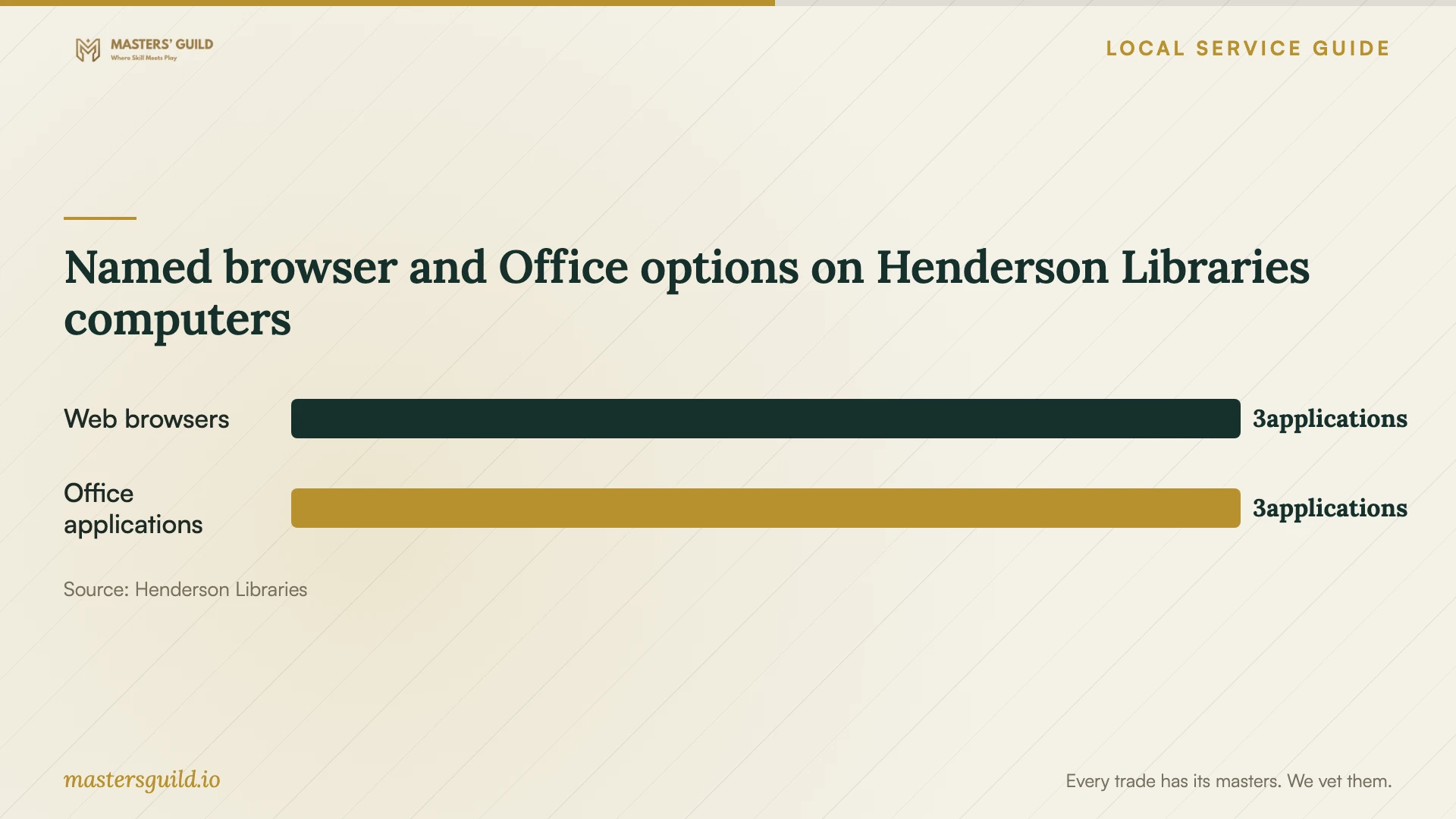
Henderson Libraries offers computer reservations across its locations. Its public computers run Windows 11 and include Office 365, Acrobat Reader, Chrome, Firefox, and Edge. Consider a reservation for document work while your device is unavailable, after checking that the software suits your task. [2]
The library announces a Staff Day closure on Friday, October 16, 2026. If you need temporary computer access around that date, schedule the installation around the closure and confirm opening hours before committing to the job. [2] [3]
Before accepting completion, restart your computer and open the installed application. Test the agreed features with a sample file, including saving, email, or printing where relevant. Review activation and unfinished work with the technician. Keep the invoice, completion notes, and follow-up terms together.
Named browser and Office options on Henderson Libraries computers
Local details that affect your job
Reserve temporary access around the library closure
Henderson Libraries will close Friday, October 16, 2026, for Staff Day. Confirm opening hours and arrange a reservation around that closure before scheduling work that leaves you without a computer. The library offers computer reservations across its locations and staff assistance at 702-707-2665. Its public desktops lack webcams; it identifies Zoom Rooms at Paseo Verde Library for webcam needs. Ask about room access if you have a video appointment during downtime. [2]
Separate software training from installation
Henderson Libraries lists Office 365 learning resources covering Outlook, OneDrive, Word, and Excel. It also offers library-account access to LinkedIn Learning and the Learning Express Library Computer Skills Center. If your application opens but you need instruction, review these resources before adding training to the technician's scope. [3]
Match the help to your situation
| Your situation | Suggested next step | Confirm before proceeding |
|---|---|---|
| Your computer starts and you can supervise a connection | Discuss remote installation | Connection approval, scope, and how to end access |
| Your computer will not start or you cannot establish access | Discuss an in-person diagnosis | Diagnostic charge and approval before repair or erasure |
| You need documents during device downtime | Consider a Henderson Libraries computer reservation | Opening hours around the October 16, 2026, closure; required applications |
| You need video access during downtime | Ask about Paseo Verde Library Zoom Rooms | Room access and opening hours; public desktops lack webcams |
| Your application works but you need instruction | Review Henderson Libraries learning resources | Library-account requirements and coverage of your task |
Your hiring checklist
- List your devices, applications, error messages, and required tasks.
- Identify the account that owns each license and prepare to enter passwords yourself.
- Agree on backup responsibility and approval before any reset or erasure.
- Request itemized charges, subscription terms, and a limit for extra work.
- Choose the appointment format and agree on how remote access will end.
- Check temporary computer access and opening hours before scheduling downtime.
- Restart the device and test the agreed tasks before accepting completion.
Frequently Asked Questions
How should I compare software installation prices?
Compare written offers for the same devices and tasks. Separate installation, software purchases, file transfer, and training. Establish whether activation and a demonstration belong in the price, then agree on approval for extra work. Compare the total charge for that shared scope.
Should Nevada sales tax appear on the invoice?
It depends on the item. Nevada exempts electronically delivered software from sales and consumer use tax, but taxes software on a disk. Installation labor is exempt when the seller lists it separately. Ask the provider to identify the taxable item when an invoice combines purchases and services. [1]
Can I use a library computer while mine is unavailable?
Henderson Libraries accepts computer reservations and lists Windows 11 desktops with Office 365 and other applications. It will close Friday, October 16, 2026, for Staff Day, so schedule around the closure and confirm opening hours. Public desktops lack webcams; ask about Paseo Verde Library Zoom Rooms for video access. [2]
What should I arrange for problems after installation?
Agree on how to report a failed installation or activation problem, whether follow-up work costs extra, and how long the technician's support terms apply. Keep the written scope and completion notes so you can identify an unresolved task when requesting help.
Sources and scope
This guide combines the sources below with practical planning guidance. Figures apply to the stated geography and period; request a written quote for your property.