
Local service guide
Data Recovery and Backup in Edmonton
Arrange Data Recovery and Backup in Edmonton with a written scope that separates retrieving missing files from protecting future work. Set file priorities and a spending limit, then require a restore demonstration before accepting backup setup. The Canadian Centre for Cyber Security recommends encrypted off-site backups, restricted restoration access and checks that restoration works. Include those requirements in the scope. [4]
Define recovery and backup before approving work
Use recovery to describe the job of retrieving missing or inaccessible files, including restoring an existing backup. Use backup to describe making and maintaining copies for future restoration. The Canadian Centre for Cyber Security recommends clear restoration procedures and checks that recovery mechanisms operate as expected. Ask the provider to assess your existing copies before proposing further recovery work. [4]
Describe the problem through the files you need: missing invoices, inaccessible project folders or records on a computer that will not start. List the copies you hold and the files you need first. For a backup restore, request a separate destination and inspect the result. For an inaccessible device, ask how the technician will preserve the original during assessment.
Define separate acceptance criteria for recovery and backup installation. For recovery, name the priority files you will open and check. For backup setup, require coverage of essential business information, encrypted off-site storage and access restricted to people responsible for testing and restoration, following the Cyber Centre's guidance. Assign someone to arrange future restore tests. [4]
Compare quotes against a testable completion scope
Include a demonstrated restore and written restoration steps in the backup quote. The Canadian Centre for Cyber Security recommends clear restore procedures and regular verification that restoration mechanisms work. Ask the contractor to identify the systems covered, demonstrate the agreed restore and explain who will perform subsequent checks. [4]
Request separate charges for assessment, authorized recovery work, shipping, return storage and urgent service. For ongoing backups, request setup charges, recurring fees and support terms. Give each provider the same equipment list and file priorities. Set a spending ceiling and require written approval before further work.
Define successful recovery before handing over the device. Ask to review the recovered file list and open priority files before acceptance. Agree on what you owe if the provider returns some requested files or none. Record the device identifier and receiving contact, then agree on an assessment date and an update schedule.
For a cloud storage container holding personal information, include exit arrangements in the agreement. Alberta's privacy commissioner recommends contract terms covering secure return of information and deletion of provider-held copies when services end. Ask how you will retrieve your records and confirm deletion if you change contractors. [3]
Set privacy terms before transferring records
Alberta's PIPA guidance limits collection of personal information to reasonable purposes and the amount reasonably needed. It also explains consent and notice requirements. Have the contractor identify the information needed for the job, the purpose of access and a person who can answer privacy questions. Avoid sending unrelated customer records with your initial inquiry. [2]
For cloud storage containers holding personal or health information, Alberta's privacy commissioner recommends contracts addressing data ownership, residency requirements and incident notification. Use those topics when reviewing a proposed cloud backup agreement. Identify subcontractors and ask who may access your records. [3]
The commissioner's cloud-container guidance also recommends encryption in storage and transit, protection of encryption keys, appropriate access controls and periodic permission reviews. Have the installer demonstrate who can read or restore files. Document who manages the keys and how your business will remove access when staff leave. [3]
Test the restore before accepting installation
Use a restore demonstration as the installation acceptance test. The Canadian Centre for Cyber Security recommends regular verification that recovery mechanisms restore information from backups. Choose representative files, have the technician restore them to a separate location, and open them yourself. Check the versions you requested and record omissions before signing off. [4]
After the test, obtain a handover document naming the backup owner, covered systems, schedule, retention settings, alert recipient and restoration steps. Keep account ownership and administrative access under your business's control. Decide who can authorize a restore during an absence and who will contact support.
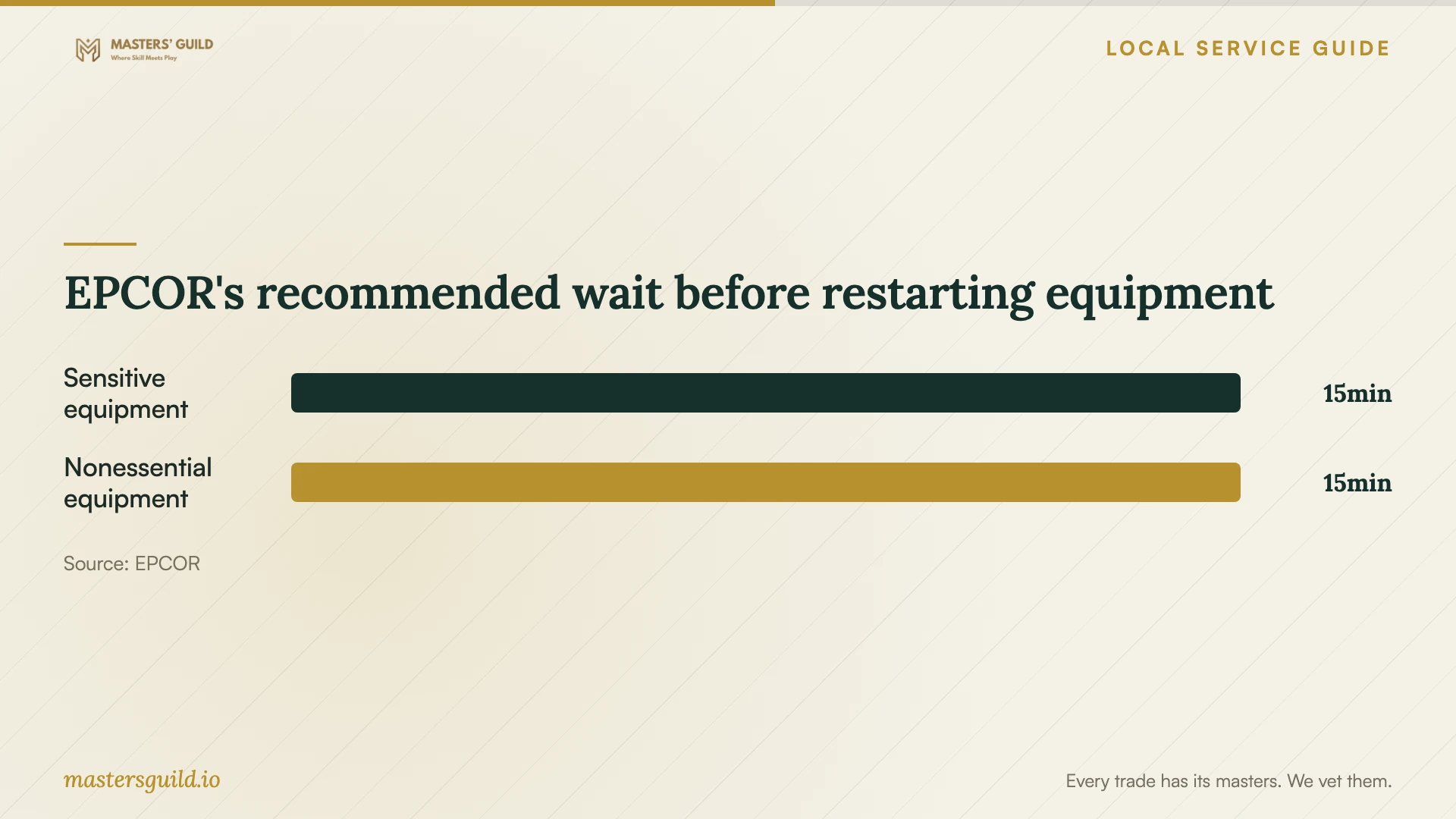
EPCOR's recommended wait before restarting equipment
Local details that affect your job
Coordinate with Edmonton power interruptions
EPCOR tells businesses to shut down computers before a scheduled interruption, restart essential equipment first and wait 15 minutes before restarting sensitive equipment or equipment not needed right away. Schedule installation and restore testing around that plan. EPCOR does not provide backup power. Tenants should ask their building superintendent about availability; EPCOR directs businesses needing backup power to an Edmonton electrical contractor. [1]
Check outside-Canada handling under Alberta guidance
Subject to PIPA's regulations, Alberta's guidance says organizations using an outside-Canada service provider to collect information must explain how people can access relevant policies and identify a contact for handling questions. It also covers transfers of previously collected information. Before choosing a recovery lab or cloud contractor, identify where subcontractors handle records and review the relevant policies and notification arrangements. Do not treat this guidance as a complete compliance assessment. [2]
Match the appointment to your business need
| Your situation | Request | Acceptance check |
|---|---|---|
| You have a backup of the missing files | A restore assessment to a separate destination | Open priority files and confirm requested versions |
| A device is inaccessible and you lack a usable copy | An assessment with an approval limit | Review proposed work and partial-recovery payment terms |
| You need ongoing business backups | Encrypted off-site backups and written restoration steps | Observe a restore and assign future testing |
| You rent premises and need outage continuity | Ask the superintendent about available backup power | Coordinate the appointment with the building's outage plan |
| A provider will handle records outside Canada | Relevant handling policies and a privacy contact | Review locations and notification arrangements before transfer |
Your hiring checklist
- 1. List missing files, priority folders, affected devices and existing copies; record symptoms and previous recovery attempts.
- 2. Have the provider assess existing backups and propose the recovery or installation scope.
- 3. Agree on itemized charges, an approval ceiling and payment terms for partial or unsuccessful recovery.
- 4. Confirm work locations, subcontractors, privacy terms and the device handover record before transferring records or equipment.
- 5. Review the assessment and authorize the agreed work in writing.
- 6. Inspect recovered priority files or observe a backup restore to a separate destination; record omissions before acceptance.
- 7. Obtain restoration instructions and assign responsibility for alerts, support and future restore tests.
Frequently Asked Questions
How should I budget for recovery?
Request an assessment price and approval limit. Separate recovery work, shipping, return storage and urgent service. Agree on charges for an unsuccessful or partial recovery before handing over the device.
How do I know the new backup works?
Observe a restore using files you choose, then open them and check their versions. The Canadian Centre for Cyber Security recommends regular restoration verification. Assign someone to arrange checks after installation. [4]
Does EPCOR provide backup power for my office?
EPCOR says it does not provide backup power. Tenants should contact their building superintendent about availability. Its checklist directs businesses needing backup power to an Edmonton electrical contractor. [1]
What should I ask about cloud backup security?
Ask who can access files, how the provider encrypts them and who controls the keys. Alberta's privacy commissioner recommends these controls for cloud storage containers, plus permission reviews and contract terms for incident notification, return and deletion. [3]
Sources and scope
This guide combines the sources below with practical planning guidance. Figures apply to the stated geography and period; request a written quote for your property.