
Local service guide
Network Setup and Support in Chicago
For Network Setup and Support in Chicago, hire a technician after you define whether you need router configuration, room-by-room Wi-Fi troubleshooting, or installed cabling. Ask for a diagnostic visit and a written scope before buying equipment. If the job includes electrical installations or alterations, confirm the applicable permit and contractor requirements with the Department of Buildings before work starts. [1]
Define the problem before choosing equipment
Describe the failure in terms the technician can test: video calls drop in the upstairs bedroom, a television loses its connection, or devices cannot join after a router change. List affected devices, rooms, and times. Ask the technician to record a starting test and repeat it after the work so you can judge the result.
Before arranging a paid visit, ask your ISP to check service interruptions, account status, and its supplied equipment. For a move or a provider change, use the FCC’s National Broadband Map address search to review the technologies and maximum advertised download and upload speeds that providers report. Confirm availability for your unit with the provider before ordering equipment. [4]
Treat those map results as a starting point for service planning. The FCC uses ISP-reported availability and allows consumers to challenge inaccurate information. Ask your technician to investigate indoor performance at the property rather than using an advertised speed as the acceptance test. [4]
Request a scope you can compare
Ask each candidate to separate diagnosis, configuration, equipment, and cable installation in the quote. For router work, request the proposed location, devices to reconnect, and settings to document. For a mesh proposal, ask the installer to explain the placement plan and how they will test the connection between units.
For installed Ethernet, request a proposed route, outlet locations, cable and termination specifications, labeling, and test results. Clarify who opens and repairs walls, removes debris, and obtains access to shared spaces. Ask your landlord or association for permission before authorizing work outside your control.
Obtain a written quote for your property. Ask whether the diagnostic charge applies toward subsequent work. Require approval before extra equipment, wall repairs, or additional cable runs increase the bill.
Resolve electrical scope before scheduling
Chicago’s electrical-only permit guidance requires a permit before installations or alterations of electric equipment begin. The city requires an online applicant to have an account associated with a licensed electrical contractor or expediter in good standing. If your network project includes a new outlet or other electrical changes, ask the contractor to identify that work in the quote and explain the permit plan. [1]
The city distinguishes stand-alone electrical work from electrical work associated with construction under a separate building permit. Tell the contractor about any concurrent renovation. Chicago’s electrical-only permit guidance does not establish a blanket Ethernet exemption or resolve router-only support requirements. For fixed network cabling, ask the Department of Buildings to confirm the requirements for the proposed route and scope. [1]
Agree on testing and account handover
Name the rooms and tasks that matter before the visit: a work call at your desk, streaming in the living room, or connecting a printer. Ask the technician to test those tasks with your devices and record any unresolved issues. If you request cable installation, include labeled ports and written cable-test results in the agreed completion requirements.
Keep ownership of administrator and equipment accounts. Enter passwords yourself where practical, and ask the technician to document the network name, equipment locations, and recovery process without placing passwords on the invoice. Agree on whether follow-up troubleshooting, return visits, or support subscriptions carry additional charges.
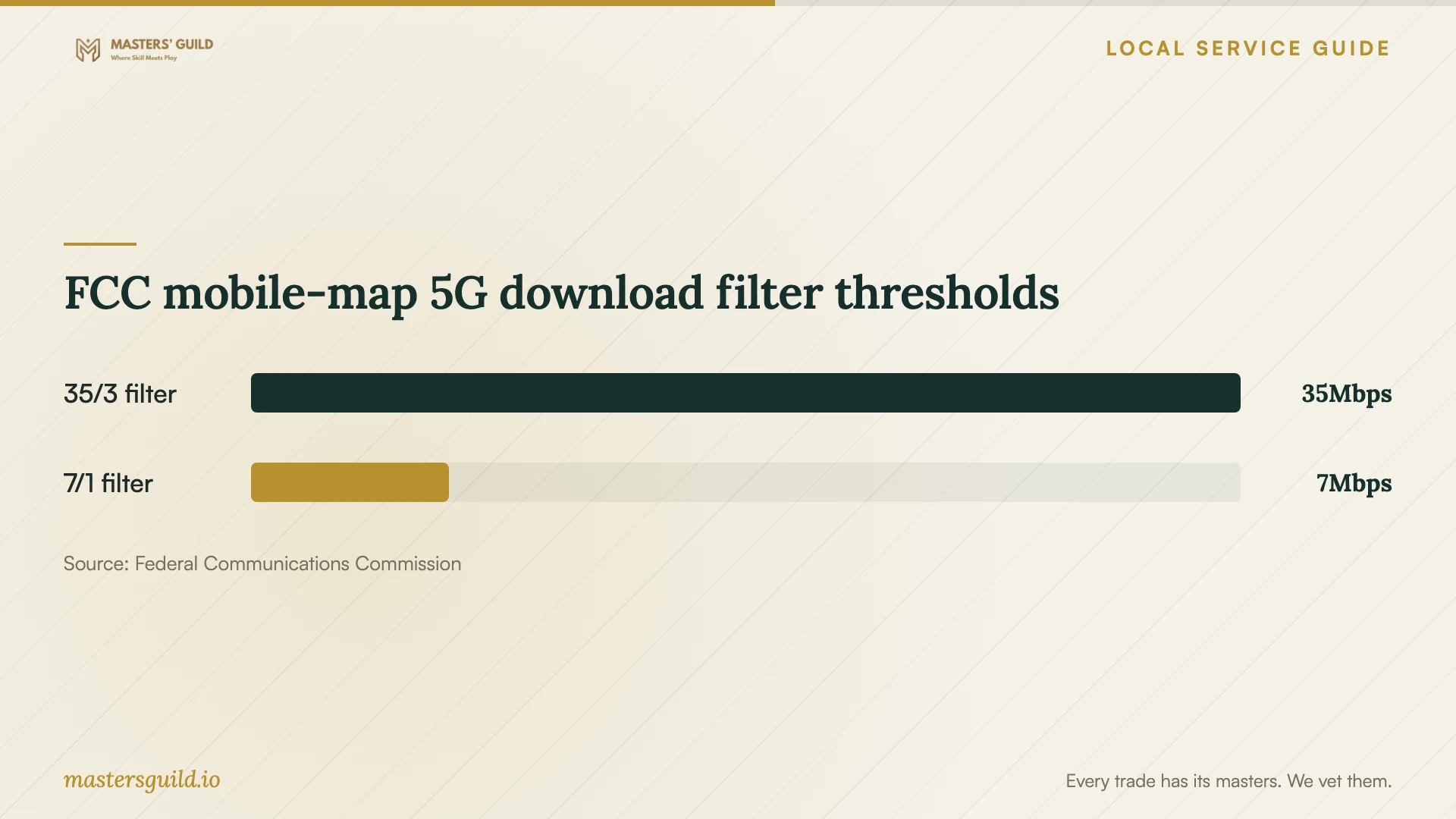
FCC mobile-map 5G download filter thresholds
Local details that affect your job
Chicago’s electrical-only application route
For eligible stand-alone electrical work, the authorized applicant logs into the city’s Dynamic Portal and selects Electric Wiring. The city requires the specific work address and may require drawings through ProjectDox when plan review applies. Ask who will submit the application and obtain the permit before scheduling the electrical portion of the job. [1]
Check the electrical contractor’s city record
Chicago provides an active electrical-contractor lookup with fields for license number, expiration date, and inactive status. If your project includes electrical work, ask for the contractor’s legal name and license number and compare them with the city record. [2]
Chicago Connected support changed this month
As of October 13, 2026, CPS says Chicago Connected funding continues for currently enrolled families during SY26–27, while new families cannot enroll. CPS ended its Parent Tech Support Hotline on October 1, 2026. Existing participants should contact Astound at 312-955-2400 or Comcast at 855-850-4554 for internet-service or billing assistance before arranging paid troubleshooting. [3]
Choose the next step for your problem
| Situation | Next step | Ask before booking |
|---|---|---|
| Connection problems across the home | Ask the ISP to check service, then arrange diagnosis if needed. | Will the technician compare a wired connection with Wi-Fi? |
| Trouble in particular rooms | Request room-by-room testing and a placement proposal. | What evidence will justify adding or replacing equipment? |
| New installed Ethernet | Request a cable route and confirm scope-specific requirements. | Who handles permissions, wall repair, labeling, and tests? |
| Associated electrical changes | Confirm Chicago permit requirements before work begins. | Who is the licensed contractor and who handles the application? |
| Existing Chicago Connected household | Contact the ISP for service or billing assistance. | Can the ISP resolve the issue before a paid visit? |
Your hiring checklist
- Write down affected devices, rooms, and the tasks you need to complete.
- Ask the ISP to check the account, connection, and supplied equipment.
- Gather router model details and keep account access available for the visit.
- Request separate quote items for diagnosis, hardware, configuration, and cabling.
- Confirm permission and access for proposed cable routes and shared spaces.
- Ask who will confirm permit requirements and handle associated electrical work.
- Agree on completion tests, documentation, and follow-up charges.
Frequently Asked Questions
Do I need a permit for a router setup?
Chicago’s electrical-only permit guidance addresses electrical installations and alterations; it does not establish a permit rule for router configuration. Describe any fixed cabling, new outlets, or electrical changes to the Department of Buildings and ask for a determination for that scope before authorizing installation. [1]
Can I use the FCC map to choose a provider?
Use it to identify providers, technologies, and maximum advertised speeds reported for your address. Confirm availability and the proposed plan with the ISP. The FCC’s mobile coverage map describes outdoor or in-vehicle coverage, so do not use it to predict reception inside your home. [4]
Can my family enroll in Chicago Connected?
CPS’s current notice says new families cannot enroll. It says the city will fund another year, SY26–27, for currently enrolled families. Existing participants should contact their ISP for service and billing help following the hotline’s closure. [3]
What should I receive when the work finishes?
Ask for an equipment list, a record of the tests you agreed on, labeled cable connections where applicable, and instructions for administering your network. Keep account ownership and agree on the process and charges for unresolved problems before the technician leaves.
Sources and scope
This guide combines the sources below with practical planning guidance. Figures apply to the stated geography and period; request a written quote for your property.