
Local service guide
Network Setup and Support in Austin, TX
For Network Setup and Support in Austin, hire for the problem you need solved: router configuration, room-by-room Wi-Fi troubleshooting, or installed cabling. Ask for a written scope that covers diagnosis, equipment, testing, and follow-up. Before approving in-wall or powered equipment work, ask the installer to check Austin’s permit rules for your exact installation. The city separates residential and commercial exemptions and requires code compliance even for exempt work. [1]
Choose the work before choosing the equipment
Describe the failure in terms the technician can test. Identify the rooms where calls drop, the devices that lose connection, and whether the trouble appears at particular times. Tell the technician whether you want to keep the current router, connect a home office, or extend service to another building. Ask for a diagnosis and a proposed scope before approving purchases.
For router setup, request configuration, reconnection of your chosen devices, and a handover of account access. For coverage work, ask the technician to assess placement and test the rooms you use. For cabling, specify endpoint locations, proposed routes, termination, labeling, and test results. Include wall repair and cleanup in the quote if the installer needs to open finished surfaces.
Separate provider support from home network work
Before booking a visit, ask your internet provider to check for an outage or service issue. Record the case number and the provider’s findings. Ask the network technician to compare a wired connection with the affected wireless connection where your equipment allows it, then explain what the results suggest. Treat this as a diagnostic step rather than proof that a particular device needs replacement.
Austin Financial Services lists cable and internet support contacts for Spectrum, Astound Grande Communications, AT&T U-Verse, and GFiber. The city also offers help communicating with service providers through 311. Use that route if you need help pursuing a service complaint; the contact list does not establish availability at your address. [3]
Check licensing and permits as separate questions
TDLR states that people working on communications circuits, optical fiber cables, and specified remote-control, signaling, or power-limited circuits do not need a state electrician license for that work. The agency also warns that municipal or regional regulations may override state exemptions. Ask the installer to identify which exemption applies rather than accepting a general claim that all network work needs no license. [2]
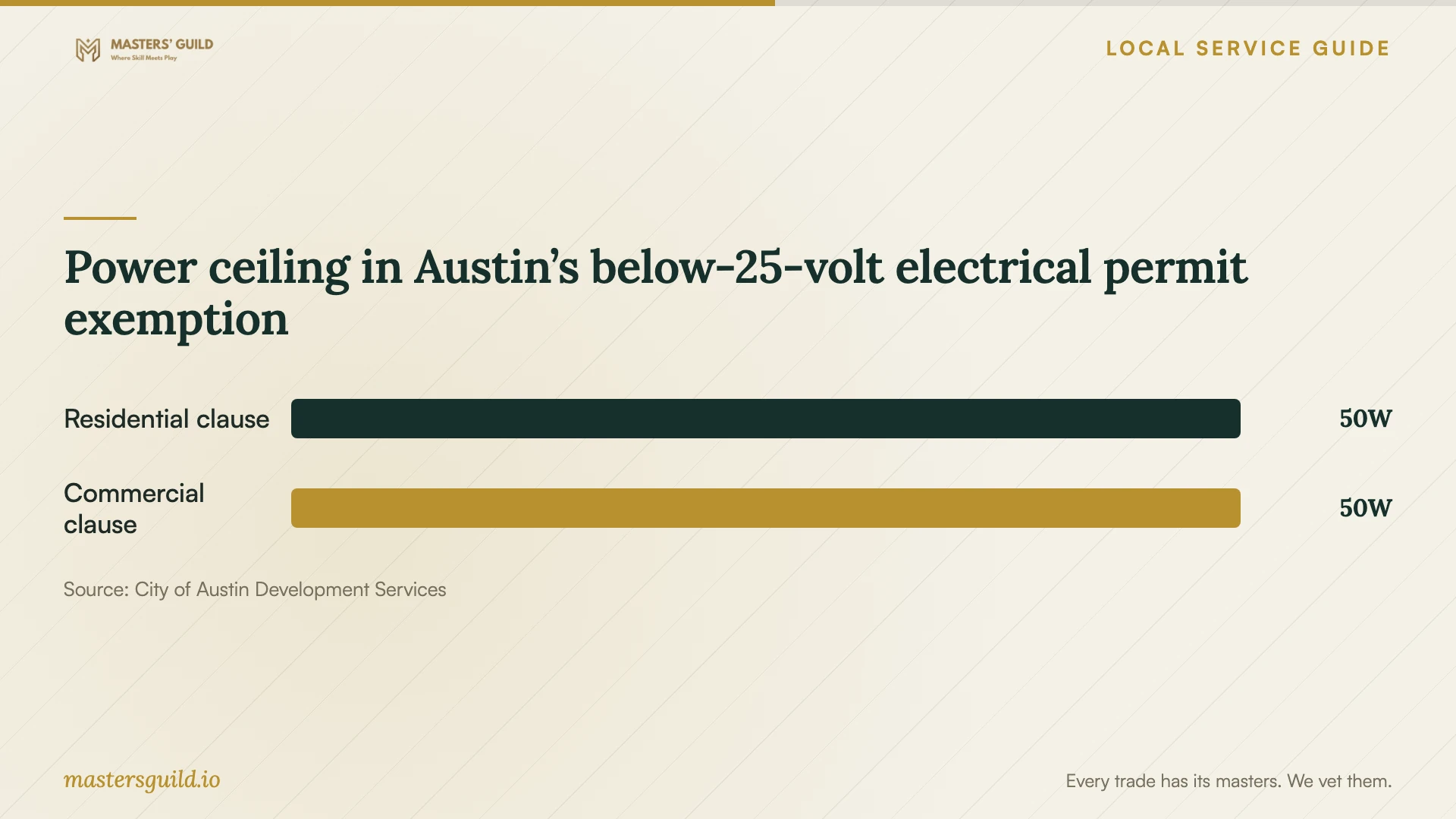
Austin lists different electrical permit exemptions for residential and commercial work. Its residential list includes equipment operating at less than 25 volts and incapable of supplying more than 50 watts. Its commercial list also includes Class II and Class III low-energy power, control, and signal circuits as defined in the 2023 National Electrical Code. Do not use the commercial exemption as the basis for a residential installation. [1]
Ask the installer to separate network cabling from any proposed outlet or circuit work in the quote. For a powered access point or switch installation, request the voltage, power specifications, and permit basis. If the installer cannot establish the applicable exemption, ask Austin Development Services to clarify the scope before installation. The city requires exempt work to comply with applicable codes and ordinances. [1]
Compare complete quotes and define acceptance
Compare quotes against the same endpoint locations and tasks. Ask each installer to separate diagnosis, labor, hardware, cable, surface repair, and follow-up support. Request written approval before the installer adds equipment or changes the route. The supplied official sources do not publish network installation prices, so use a site-specific quote to set your budget.
Agree on acceptance tests before work starts. Ask the technician to demonstrate your chosen devices in the rooms that prompted the visit and provide results for installed cable runs. Request a labeled connection map, equipment details, and administrator access under your control. Set a process for reporting a recurring fault, including any return-visit charge and the period covered by the installer’s support agreement.
Power ceiling in Austin’s below-25-volt electrical permit exemption
Local details that affect your job
Confirm which Austin permit category applies
Austin applies its residential exemptions to one- and two-family dwellings and townhouses no more than three stories. It treats residential occupancies outside that coverage under its commercial project rules. If you own a condo or a home in another multifamily building, establish the applicable category before relying on a residential exemption. Ask building management about permission for cable routes through shared areas. [1]
Include utility locating for a detached building
Austin Energy directs people planning excavation to call 811 or use Texas 811 online to prevent damage to underground utilities. If your proposed network connection includes trenching to a garage or detached office, ask who will arrange locating and how that step affects the installation date. Have the installer document the route and responsibility for restoring disturbed surfaces. [4]
Use the city’s service complaint route
Austin Financial Services says residents can call 311 for help communicating with utility service providers and identifies the FCC as a resource for internet and other telecommunications complaints. If you have an unresolved provider issue, retain support case numbers and test records before paying for another home visit. Ask the technician to document findings that you can share with the provider. [3]
Choose the next step for your proposed work
| Situation | Next step | Ask before approving |
|---|---|---|
| Unresolved internet provider complaint | Contact provider support; Austin offers communication assistance through 311. | What did the provider check, and what case number should the technician review? |
| Wi-Fi trouble in specific rooms | Request diagnosis and coverage testing. | Which rooms and devices will you test before and after the work? |
| In-wall cabling or powered network equipment | Have the installer establish the applicable Austin permit exemption or requirement. | Which equipment specifications and project category support your conclusion? |
| Buried connection to a detached building | Include 811 utility locating before excavation. | Who arranges locating, route planning, and surface restoration? |
Your hiring checklist
- List affected rooms, devices, symptoms, and any provider case number.
- Photograph the router, modem or fiber terminal, and existing cable outlets.
- Mark the desired endpoint locations and discuss access to walls or shared spaces.
- Request an itemized quote with equipment ownership and added-work approval terms.
- Ask the installer to document the applicable permit and licensing basis.
- Agree on room tests, cable test records, labeling, and administrator access.
- Confirm cleanup, surface restoration, and return-visit terms.
Frequently Asked Questions
Do I need a licensed electrician for Ethernet cabling?
TDLR exempts communications circuits and specified other circuit work from state electrician licensing, while warning that municipal or regional regulations may override exemptions. Ask the installer to identify the applicable rule for the scope and check any accompanying electrical work as a separate task. [2]
Does Austin require a permit for network equipment?
Ask about the exact equipment and installation. Austin’s residential exemption includes equipment operating below 25 volts that cannot supply more than 50 watts. Commercial exemptions include additional circuit categories. The city requires code compliance even when work qualifies for a permit exemption. [1]
What should I receive when the technician finishes?
Request the agreed test results, labeled cable endpoints, an equipment list, and administrator access. Have the technician demonstrate the devices and rooms named in your scope. Record any unresolved issue and the agreed follow-up before accepting completion.
How should I budget for the work?
Use an itemized quote based on your layout, endpoint locations, and equipment choices. Ask whether the price includes diagnosis, materials, surface repair, testing, and support. Require approval for additions so you can assess the revised total before the installer proceeds.
Sources and scope
This guide combines the sources below with practical planning guidance. Figures apply to the stated geography and period; request a written quote for your property.