
Local service guide
Atlanta software installation: hiring and setup
Arrange software installation in Atlanta by asking a technician to quote the programs, activation, settings, and demonstration you need on your computer. Agree on file protection and account access before work starts. If you need help learning an existing application, ask East Atlanta Branch about its individual tech sessions before hiring an installer. [2]
Choose instruction or installation
Start with the task you cannot complete. For an application you already use, describe where you get stuck and ask for instruction. For a new program, tell the installer whether you need purchase help, activation, account setup, or specific settings. Include any existing error message in your request.
East Atlanta Branch’s Tech Thursdays offer help with device use, Libby or Hoopla access, and software basics. The library lists individual reservations, so you can ask about a specific task before arranging paid installation. Call the branch to confirm whether staff can help with your request, including any installation work you want. [2]
For a reset, operating-system reinstall, or file transfer, request a separate description of the work. Tell the technician which documents, photos, and settings you want to keep. Ask them to explain any proposed erasure before you authorize it.
Compare quotes for the same job
Give each prospective installer the device model, operating-system version, application name, and number of computers. Explain whether you own the software or need to buy it. Ask each person to quote the same result so you can compare what they include. Remove personal information before sharing an error screenshot.
Request separate amounts for software purchases or subscriptions, installation and configuration, backup or file transfer, travel, and follow-up support. Ask whether the technician charges for diagnosis if they cannot complete the installation. Set a spending limit and require your approval before they add work.
Georgia’s tax itemization rule allows retailers to itemize applicable sales tax or include it in the total charge. Retailers who include tax in the total must give customers written notice that the charge includes sales tax. Ask the seller which charges are taxable and whether the quoted total includes tax. [1]
Choose and authorize remote support
Georgia’s Attorney General warns that unsolicited callers claiming to represent Microsoft may request remote access, charge for fake repairs, or install malware. Its guidance states that Microsoft does not make unsolicited consumer calls about viruses, security issues, or software fixes. The office advises against granting computer control to an unexpected caller. [3]
Contact a provider through a channel you chose. Before the appointment, confirm the technician’s name, the access method, and the agreed work. Ask them to explain what they intend to change. Enter your own credentials, approve purchases yourself, and keep account recovery codes private.
Stay present during the session. Agree on whether the technician may install a remote-access application and whether you want it removed afterward. At the end, ask them to disconnect and show you how to revoke any ongoing access. For an appointment at home, confirm the arrival window and any travel charge in advance.
Prepare your files and test completion
Back up the files you want to preserve and open a sample from the backup before work begins. Prepare purchase receipts or subscription details, then check that you can sign in and reach your account recovery email or phone. Get the computer owner’s approval if someone else manages the device.
Write down an acceptance test before the appointment. For document software, open an existing file and save a test copy. For email setup, send and receive a test message. Restart the computer and repeat the task. Check the files you asked the technician to preserve and sign in without their help.
Ask for a handover naming the installed programs, account owner, purchase or renewal terms, and unresolved problems. Confirm how to request follow-up help and what it costs. Save the invoice and messages. For concerns about a tech-support seller, Georgia’s Consumer Protection Division publishes consumer complaint telephone contacts. [3]
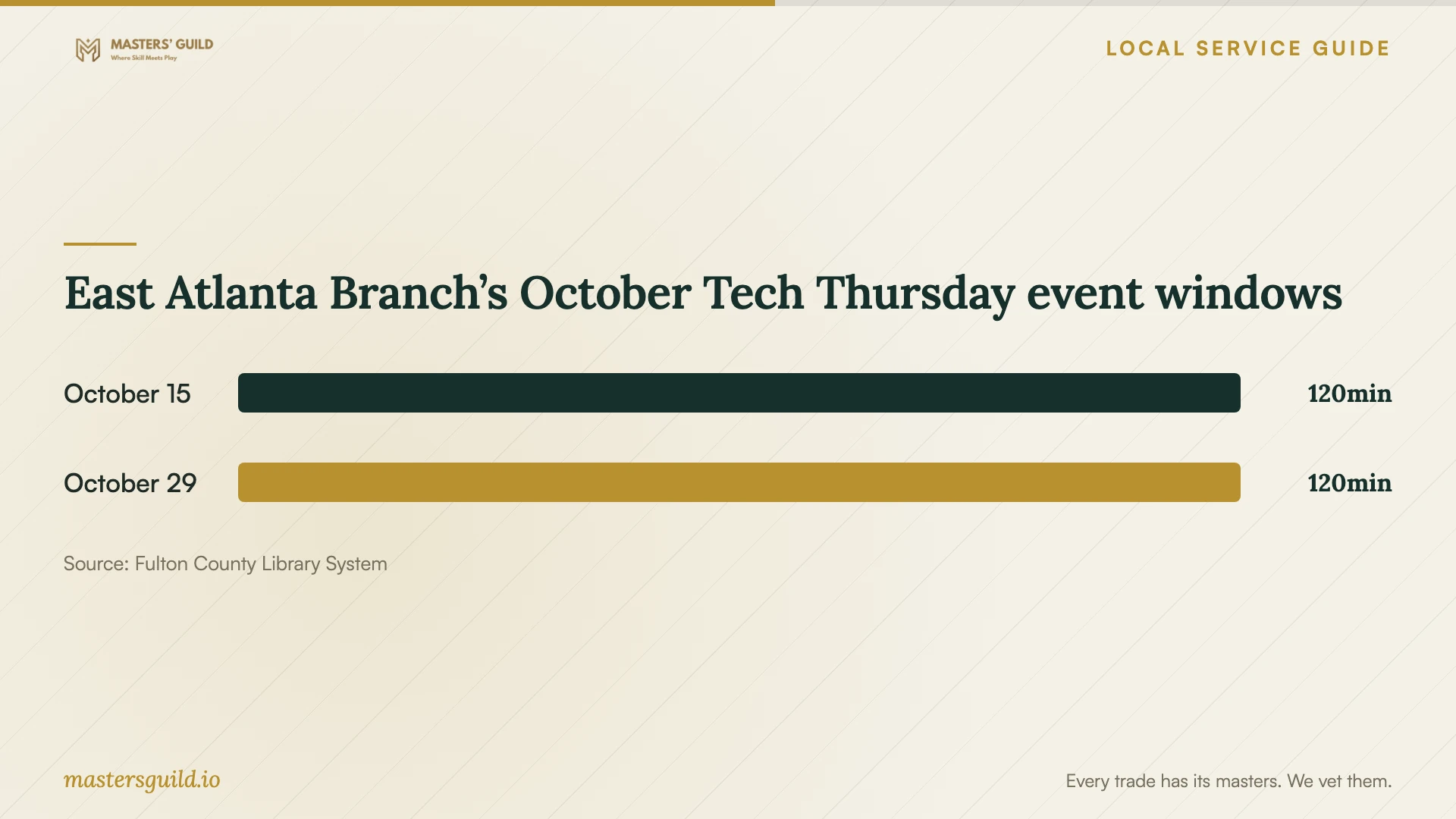
East Atlanta Branch’s October Tech Thursday event windows
Local details that affect your job
Reserve basic software help at East Atlanta Branch
The library’s October 2026 calendar lists Tech Thursdays on October 15 and October 29, from 10:30 a.m. to 12:30 p.m. Staff advertise 30-minute individual tech sessions and give 404-613-7320 for reservations. Call with the task you need to learn and ask whether installation help falls within the session’s scope. Confirm your reservation and the event date before traveling. [2]
Contact Georgia’s consumer complaint office
Georgia’s Consumer Protection Division lists consumer complaint contacts at 404-651-8600 and 800-869-1123; it identifies the latter as toll-free in Georgia. Its tech-support guidance addresses unsolicited remote access, fake repair charges, and malicious installations. If you have concerns about a seller, gather your invoice, messages, payment details, and description of the access you authorized before contacting the office. [3]
Choose the next step for your software task
| Your situation | Next step | Confirm before proceeding |
|---|---|---|
| You need instruction in a basic software task | Ask East Atlanta Branch about its individual tech sessions | Describe your question and reserve a session |
| You want a new application installed | Request an installation and configuration quote | Purchase responsibility, activation, settings, and acceptance test |
| You want an operating-system reinstall or reset | Agree on backup and file recovery before authorizing changes | Files to retain, erasure approval, and account access |
| An unsolicited caller requests computer control | Decline access, following Georgia’s consumer protection guidance | Choose your own support contact |
| You have concerns about a tech-support seller | Use Georgia’s published consumer complaint contacts | Gather the invoice, messages, and details of authorized access |
Your hiring checklist
- Record the device model, operating system, application, and task you want to complete.
- Decide whether to request instruction, installation, troubleshooting, or file transfer.
- Obtain a written scope, total, exclusions, and approval limit for extra work.
- Back up important files and open a sample from the backup.
- Prepare purchase details and confirm your account recovery access.
- Agree on the technician’s access and enter your own credentials.
- Test the agreed task after a restart, review the handover, and end remote access.
Frequently Asked Questions
How should I budget for software installation?
Request a quote for your computer and the exact application. Ask the installer to identify software purchases, service work, backup or transfer work, travel, and follow-up charges. Compare proposals against the same acceptance test and agree on a limit for additional work.
Can East Atlanta Branch install my software?
The branch advertises device help and basic software instruction through Tech Thursdays. Call 404-613-7320 with your installation request and ask staff to confirm whether they can help before you reserve or travel. [2]
Should I give the installer my password?
Arrange to enter credentials yourself during the appointment. Ask the technician to explain each sign-in request, keep recovery codes private, and confirm how to end remote access. If someone else owns or manages the computer, obtain their approval for changes.
Should I call the number in a virus-warning pop-up?
Georgia’s Consumer Protection Division advises against calling numbers in pop-up ads that claim your computer has a virus. Contact a support provider you choose instead. The office also warns against giving computer control to someone who calls you out of the blue. [3]
Sources and scope
This guide combines the sources below with practical planning guidance. Figures apply to the stated geography and period; request a written quote for your property.