
Local service guide
Cloud Service Setup in Albuquerque, NM
Arrange Cloud Service Setup by asking a technician to define the files, devices, accounts, and recovery test included in the job before you accept a quote. For an Albuquerque home, confirm internet service at your address before scheduling a large migration. The city describes an ongoing fiber expansion; ask the internet provider to confirm your connection date before making the upload appointment. [1]
Choose the work you want completed
Describe the outcome in terms you can check: family photos available on named devices, selected documents copied to a backup account, or an existing collection moved to a new service. Ask the technician to list the folders they will handle and those they will leave alone. Include external drives, shared family accounts, and devices you plan to replace.
Ask the technician to explain how the proposed setup handles an accidental deletion and how you would recover a file. Request a demonstration using a disposable test file. If you want both shared access and recoverable copies, put both outcomes in the scope rather than accepting a general promise to set up the cloud.
Confirm the connection before arranging uploads
Use the FCC's address search to review providers, connection technologies, and maximum advertised download and upload speeds. The FCC uses provider-reported availability, and you can select the data date. Treat that information as a starting point for a conversation with your provider, then ask the technician to measure upload performance on your home connection. [2]
The City of Albuquerque says private providers are expanding fiber infrastructure over the next few years, with construction timelines varying by location. Before tying a migration to a new fiber connection, ask the provider for an installation appointment and confirmation that you can order service at your address. Keep the technician's appointment separate from street construction dates. [1]
Ask who will monitor an unfinished upload after the appointment, how you will recognize completion, and whether a return visit costs extra. Agree on a pause plan if you need the connection for other household tasks. Keep the original files until you have checked the destination and completed the agreed recovery test.
Compare quotes by scope and total cost
Give each technician the same device list and file inventory. Request a written quote that identifies remote or in-home work, the migration scope, account setup, testing, and handover. Ask whether the technician charges for waiting during uploads and how they handle work that exceeds the quoted scope.
Request subscription charges apart from labor, and ask whose payment method will fund renewals. Before approving a plan, have the technician explain the storage allowance, renewal terms, and cancellation process for the specific service they propose. Avoid approving a subscription until you understand the ongoing obligation.
New Mexico imposes GRT on businesses and includes receipts from services within its scope. The Taxation and Revenue Department says rates vary by location and identifies exceptions to its general delivery-location rule. Ask the provider to identify any GRT charge and whether their quoted total includes it; do not calculate the invoice from a statewide rate alone. [3]
Keep control of accounts and verify the handover
Create or approve accounts using your own email address. Enter passwords yourself, keep recovery details somewhere you can access, and ask the technician to explain any temporary access they need. Agree before work begins on when that access ends and how you will remove it.
Before accepting completion, open a selection of files on each agreed device and recover the test file. Check shared-folder access with the intended family member. Ask for written instructions covering account recovery, upload status, subscription management, and the steps to take after replacing a device.
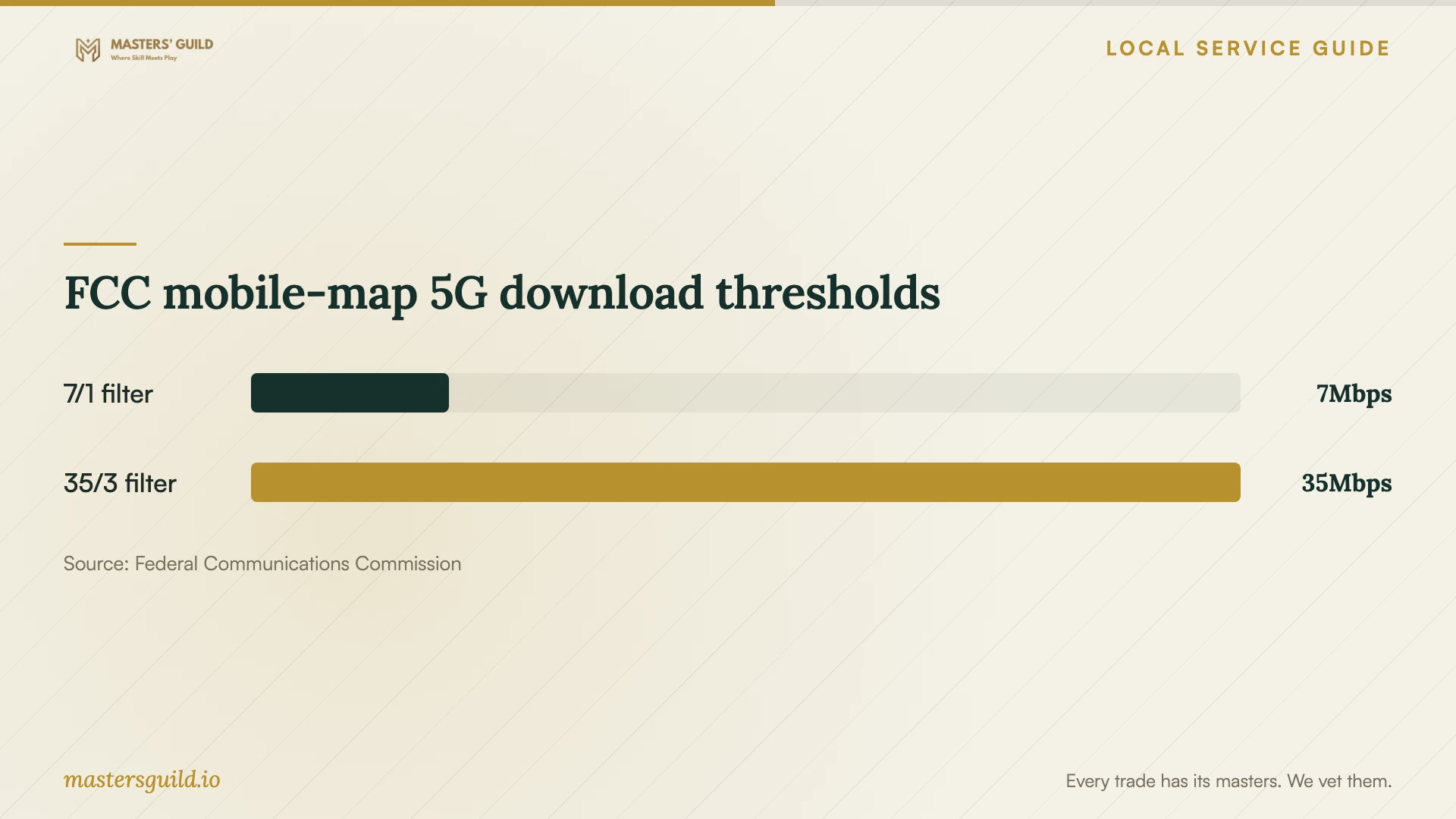
FCC mobile-map 5G download thresholds
Local details that affect your job
Fiber construction requires a separate readiness check
Albuquerque's fiber expansion page distinguishes construction from the later option for homes and businesses to connect. Contact the provider named on your construction notice to ask about service activation before booking migration work. For concerns during or after construction, the city directs residents to its Broadband Office through 311. Keep construction questions with the provider or city and account setup questions with your technician. [1]
Library classes can help you define the help you need
The Public Library Albuquerque Bernalillo County lists computer and digital-download classes, internet computers, and WiFi at its branches. Ask your branch about the current class topic if your main goal is learning account or download basics. Confirm the class scope before choosing it instead of paid help; the guide does not promise household migration or backup configuration. [4]
Choose the next step for your household
| Your situation | Next step | Confirm before proceeding |
|---|---|---|
| You want help learning basic account tasks | Ask the library about computer or digital-download classes | Whether the current class covers your task |
| You expect a new fiber connection | Confirm activation with the internet provider | An installation date and service readiness at your address |
| You want files moved between accounts | Request a written migration scope | Included folders, destination checks, and treatment of original copies |
| You want recoverable household files | Include a recovery demonstration in the job | Who performs the test and provides recovery instructions |
Your hiring checklist
- List the devices, folders, external drives, and accounts you want included.
- Confirm internet activation with your provider and request an upload-speed check.
- Choose a disposable file for the recovery demonstration.
- Request separate labor, subscription, follow-up, and tax lines.
- Agree on who monitors uploads after the appointment.
- Keep passwords, recovery details, and subscription ownership under your control.
- Check destination files and recovery before approving removal of original copies.
Frequently Asked Questions
Can I schedule setup while fiber crews work nearby?
Ask the provider to confirm your home's activation date first. Albuquerque describes construction timelines that vary by location and says homes may have the option to connect after installation. Schedule account preparation separately if you want to begin before the connection is ready. [1]
Does the FCC map tell me how fast my backup will upload?
The map lists provider-reported availability and maximum advertised speeds. Ask the technician to measure your connection and explain how they will monitor the actual upload before agreeing to a completion deadline. [2]
Should the quote include tax?
Ask the provider to state whether the total includes GRT. New Mexico's tax department says a business that passes GRT to its customer must state it separately on the invoice. Rates vary by location, with exceptions to the general reporting-location rule. [3]
What should I require before calling the job complete?
Require access on the agreed devices, a check of selected destination files, a recovery demonstration, and written instructions. If uploads remain unfinished, agree on a named person to monitor them and a clear completion check.
Sources and scope
This guide combines the sources below with practical planning guidance. Figures apply to the stated geography and period; request a written quote for your property.