
Local service guide
Akron network setup: Plan and Hire
For network setup in Akron, hire a technician with a written scope covering diagnosis, equipment, installation and testing in the rooms you use. Ask for a diagnostic visit before approving replacement hardware. For proposed in-wall cabling or related electrical work, check compliance requirements with Akron Plans and Permits; the Summit County Engineer directs projects within city limits to that office. [1]
Describe the problem before buying equipment
Write down the task that fails: a video call upstairs, a printer connection, streaming in the living room or access from a home office. Record which devices fail, where you use them and whether the problem affects the whole house. Give the technician these observations and ask for a diagnosis that you can review before approving purchases.
Request a comparison between a wired connection and Wi-Fi, using the same device where practical. Ask the technician to record the test location and conditions. Have them explain whether they recommend contacting your internet provider, changing settings, moving equipment or installing additional hardware. Agree on a separate approval point for each purchase.
Check internet options at your exact address
The FCC's National Broadband Map lets you search a street address and inspect the providers, technologies and maximum advertised download and upload speeds that providers report for that location. Use this information when arranging a new connection or considering a provider change. Ask the provider to confirm your address, installation arrangements and offered plan before booking network work. [4]
Treat the map as a service-availability reference. The FCC describes its mobile coverage as outdoor or in-vehicle coverage, so do not use that layer as proof that a cellular hotspot will work inside your home. If you plan to rely on mobile service during installation, test your intended device in the room where you will work. [4]
Separate configuration from cabling in the quote
Ask the technician to itemize diagnosis, router configuration, proposed wireless equipment and any cable installation. For cabling, request a route drawing, the number and location of outlets, termination and testing work, and responsibility for wall repairs. For wireless equipment, ask who supplies it, who owns it and whether the proposal includes subscriptions or support charges.
Before approving wall penetrations or related electrical changes, contact the compliance office for your project location. The Summit County Engineer directs projects within the City of Akron to Akron Plans and Permits. Describe your proposed cable route, wall work and electrical changes, and ask the office what requirements apply. [1]
Obtain written quotes for your specific job before setting a budget. Compare quotes for the same scope. Request an equipment subtotal, labor charge, diagnostic charge and any exclusions. Ask who pays for a return visit if the agreed test fails.
Arrange access and a downtime plan
Choose an appointment when you can pause work and be present for testing. Photograph existing connections, gather equipment model numbers and clear access to proposed work areas. Keep account recovery information available. Enter passwords yourself where practical, and ask the technician to explain any account access they need.
For a local fallback, Akron-Summit County Public Library provides Wi-Fi at all library locations and outside its buildings. Connect to ASCPL-Guest and accept the browser terms. The library also lists hotspot borrowing with a one-device limit and a 14-day loan period; its policy excludes hotspots from renewals. Check eligibility and availability before scheduling around a loan. [2] [3]
Agree on the completion test and handover
List the rooms and tasks the technician must demonstrate before you accept the work. Include your home-office call, printer connection or other daily task. Ask them to test installed cable outlets, label connections and give you the results. For wireless work, request a demonstration in the affected rooms using your devices.
At handover, confirm that you control the administrator account and know how to recover access. Ask for the equipment list, configuration notes, cable labels and support terms. Agree on how the technician will remove temporary access and explain the procedure for a later provider or router change.
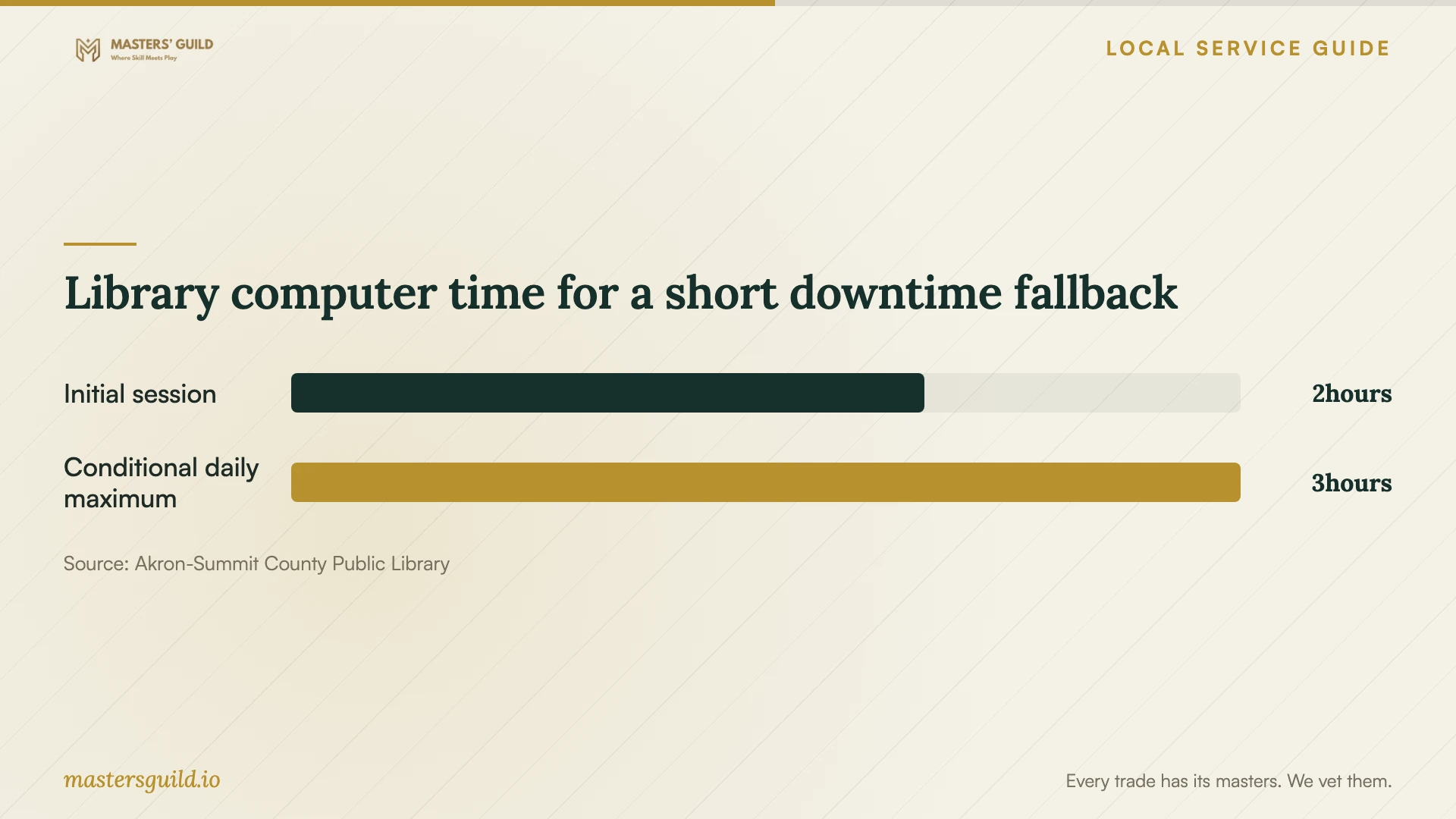
Library computer time for a short downtime fallback
Local details that affect your job
Akron city compliance contact
The Summit County Engineer instructs anyone planning a project within the City of Akron to contact Akron Plans and Permits at (330) 630-7305 or (330) 375-2010 for compliance requirements. Before accepting a cabling quote, describe the route, wall penetrations and related electrical work to that office. Ask what approvals apply and who should obtain them. [1]
A hotspot loan needs a fixed return plan
Akron-Summit County Public Library lists one hotspot per borrower for 14 days and does not permit hotspot renewals. Ask library staff about your borrowing eligibility and device availability before booking a disruptive installation. Arrange another fallback if the repair or provider change might extend beyond the loan. [2]
Library Wi-Fi requires browser acceptance
The library offers Wi-Fi at all locations, including access outside its buildings. Connect to ASCPL-Guest and open a browser to accept the terms. Use this as a planned place to complete an essential online task during downtime, and check the relevant location's arrangements before traveling. [3]
Choose the next step from your situation
| Situation | Next step | Request before approving work |
|---|---|---|
| You have not arranged internet service | Review address-level provider reports through the FCC map and confirm details with a provider. | Service confirmation and installation arrangements. |
| A task fails in a particular room | Book diagnosis and ask for wired and wireless comparisons. | A written explanation and a proposed completion test. |
| The proposal includes in-wall cabling | Ask Akron Plans and Permits about compliance requirements for the described scope. | Cable route, approval responsibilities and wall-repair scope. |
| You need internet during the appointment | Check library Wi-Fi access or hotspot borrowing eligibility and availability. | A fallback plan that accounts for the 14-day hotspot loan and no renewals. |
| Several quotes propose different equipment | Ask each technician to quote the same tasks and acceptance conditions. | Separate equipment, labor, exclusions and support charges. |
Your hiring checklist
- Record affected rooms, devices, failed tasks and any error messages.
- Gather provider account details and equipment model numbers.
- Request diagnosis and approval before equipment purchases.
- Ask for an itemized quote and a cable route drawing where applicable.
- Confirm compliance responsibilities before approving invasive work.
- Arrange temporary connectivity and protect essential appointment times.
- Agree on room-by-room task testing and cable test records.
- Collect administrator access, configuration notes and support terms.
Frequently Asked Questions
Should I buy a mesh system before booking support?
Ask for diagnosis first. Describe the affected rooms and request a comparison of wired and wireless performance. Have the technician explain the proposed equipment and demonstrate the agreed tasks before you accept the work.
Does an Ethernet installation need a permit in Akron?
Ask Akron Plans and Permits whether your proposed Ethernet installation requires approval. The Summit County Engineer directs projects inside Akron to that office for compliance requirements. Describe the cable route, wall work and associated electrical changes before proceeding. [1]
Can I borrow a hotspot during repairs?
The library's policy lists one hotspot for a 14-day loan and excludes hotspots from renewals. Ask staff to confirm your eligibility and availability before relying on a device for your installation date. [2]
Does the FCC map prove my indoor connection speed?
The fixed-service map lists provider-reported availability and maximum advertised speeds at a location. Its mobile layer represents outdoor or in-vehicle coverage. Ask your technician to test your home connection and intended work locations. [4]
Sources and scope
This guide combines the sources below with practical planning guidance. Figures apply to the stated geography and period; request a written quote for your property.